

Long-lasting battery life
Skip to product information
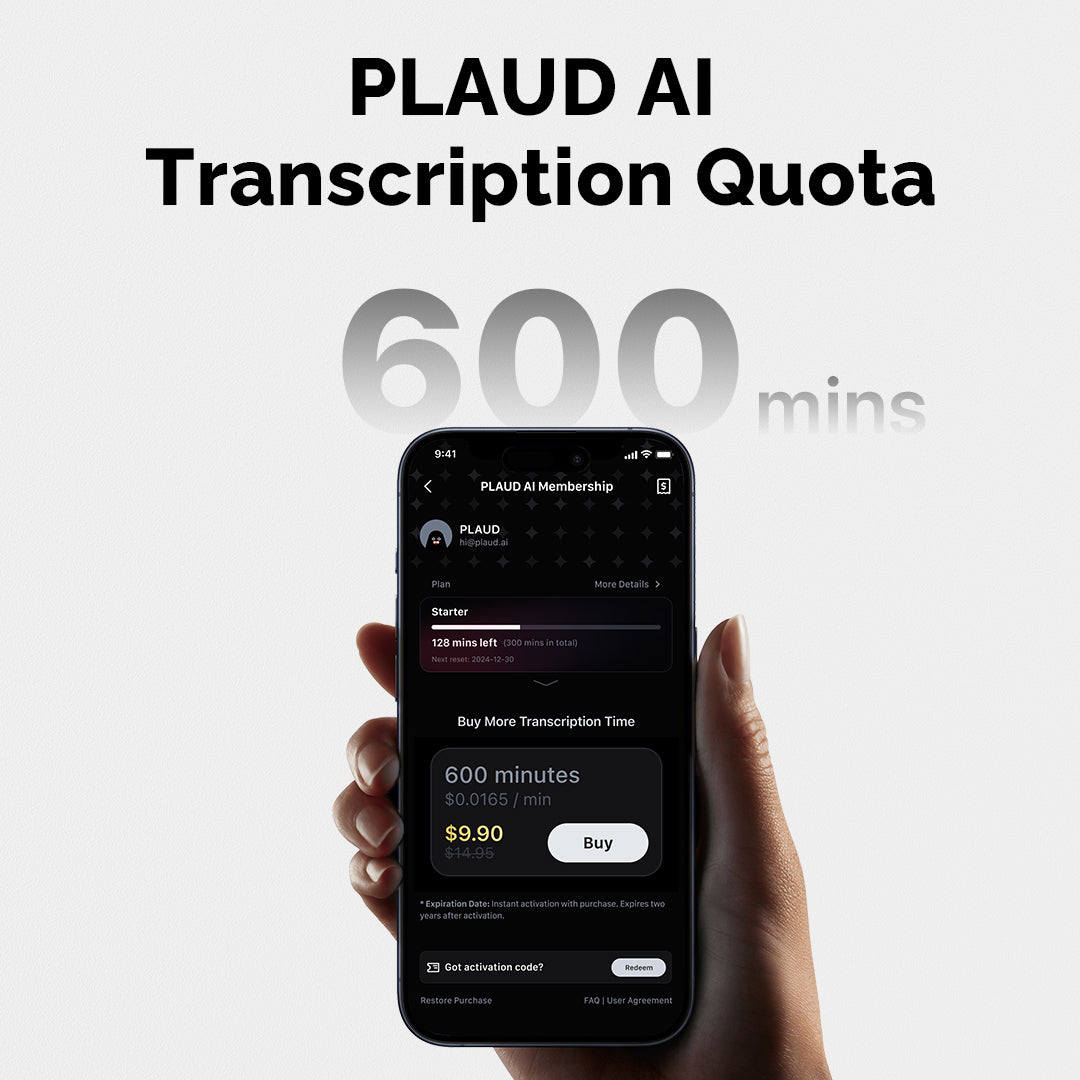
PLAUD AI Transcription Quota (600 mins)
Rs. 9.90
Rs. 14.95
Reliable shipping
Flexible returns
Delivery: The PLAUD AI Activation Code will be sent to you via a separate email shortly after your purchase.
-
600 mins total
-
Designed for extra transcription needs when your plan's minutes run out
-
Valid for 24 months from the date of activation
Note:
*If you purchase both the Annual AI Membership (Pro Plan) and the Transcription Quota, the 1,200 monthly minutes from the Pro Plan are used first. Once those are exhausted, your Transcription Quota minutes will be utilized.
*Purchasing the Transcription Quota does not alter membership benefits; it only increases the available transcription time.
*Transcription Quota must be activated within 12 months of receipt.
Best results delivered by
Plaud Intelligence™
Plaud Intelligence is developed on leading AI models including GPT-4.1, o3-mini, Claude 3.7 Sonnet and Gemini 2.5 Pro.
As featured in


Specification
Dimensions
3.37*2.13*0.12 inch
Weight
1.06 oz
Microphone
4 MEMS, 1 VPU
Charging Time
2 hours
Battery
500mAh
USB Port
BLE 5.4/Wi-Fi
Storage
64GB
Effective Recording Range
5m
FAQs
After creating your PLAUD account and logging in successfully, please follow these steps to bind your device:
- Open the PLAUD App and click the “Connect” button located in the top left corner.
- Select the device labeled "PLAUD NOTE." Press and hold the record button on the PLAUD NOTE until the white light flashes. This indicates that the NOTE is ready for connection.
- Then, the App will search for the PLAUD NOTE. Once it appears in the device list, you can connect to it.
Note Recording
To start a note recording:
- Toggle down the recording button to note recording mode.
- Long-press the record button and hold it for 1 second until you feel 1 vibration, indicating that the recording has started.
- Long-press the record button and hold it for 1 second until you feel 2 vibrations, indicating that the recording has ended.
Phone Call Recording
To start a phone call recording:
- Toggle up the recording button to phone call recording mode.
- Long-press the record button and hold it for 1 second until you feel 1 vibration, indicating that the recording has started.
- Long-press the record button and hold it for 1 second until you feel 2 vibrations, indicating that the recording has ended.
MagSafe Back:
Snap the magnetic case directly to the MagSafe back.
Non-MagSafe Back:
Remove the plastic holder from the magnetic ring. Then stick the magnetic ring on the non-MagSafe back to enable the MagSafe feature.
After you finish recording, the audio will be saved in your device automatically.
To do a transcription:
- Connect your PLAUD device to the PLAUD APP.
- Your audio files will be uploaded automatically after a successful connection.
- Enter the file and tap "Generate". Choose the summary template, language, and Al model. Then, click "Generate Now"to start the transcription.
- After the transcription is complete, the summary and mind map are automatically generated.
- PLAUD App automatically generates mind maps based on your summary, enhancing your visual understanding.
