


Long-lasting battery life
Skip to product information
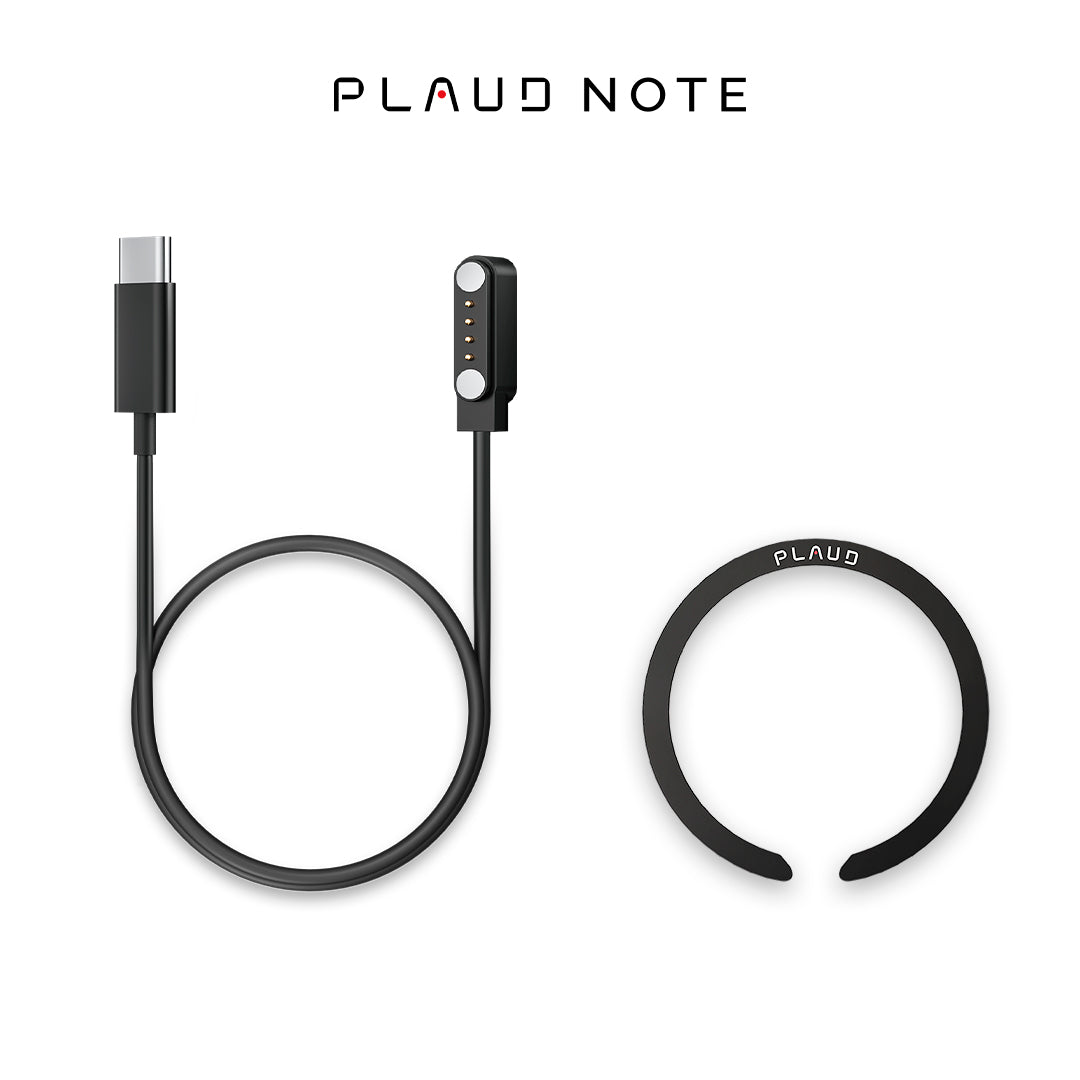
※ These accessories are included in your PLAUD NOTE purchase. If you need additional accessories, they can be purchased separately.
PLAUD NOTE Accessory Kit
Rs. 13.99
Reliable shipping
Flexible returns
🔔 Package includes: Charging Cable*1, Magnetic Ring*1.
※ Charging Cable:
The charging cable is deal for PLAUD NOTE charging, syncing and transferring data between PLAUD NOTE and computer.
※ Magnetic Ring:
Ultra-thin Magnetic Ring, securely attach your PLAUD NOTE to your phone.- Compatible with non-MagSafe iPhones
- Works with Android phones
Best results delivered by
Plaud Intelligence™
Plaud Intelligence is developed on leading AI models including GPT-4.1, o3-mini, Claude 3.7 Sonnet and Gemini 2.5 Pro.
As featured in


Specification
Dimensions
3.37*2.13*0.12 inch
Weight
1.06 oz
Microphone
4 MEMS, 1 VPU
Charging Time
2 hours
Battery
500mAh
USB Port
BLE 5.4/Wi-Fi
Storage
64GB
Effective Recording Range
5m
FAQs
After creating your PLAUD account and logging in successfully, please follow these steps to bind your device:
- Open the PLAUD App and click the “Connect” button located in the top left corner.
- Select the device labeled "PLAUD NOTE." Press and hold the record button on the PLAUD NOTE until the white light flashes. This indicates that the NOTE is ready for connection.
- Then, the App will search for the PLAUD NOTE. Once it appears in the device list, you can connect to it.
Note Recording
To start a note recording:
- Toggle down the recording button to note recording mode.
- Long-press the record button and hold it for 1 second until you feel 1 vibration, indicating that the recording has started.
- Long-press the record button and hold it for 1 second until you feel 2 vibrations, indicating that the recording has ended.
Phone Call Recording
To start a phone call recording:
- Toggle up the recording button to phone call recording mode.
- Long-press the record button and hold it for 1 second until you feel 1 vibration, indicating that the recording has started.
- Long-press the record button and hold it for 1 second until you feel 2 vibrations, indicating that the recording has ended.
MagSafe Back:
Snap the magnetic case directly to the MagSafe back.
Non-MagSafe Back:
Remove the plastic holder from the magnetic ring. Then stick the magnetic ring on the non-MagSafe back to enable the MagSafe feature.
After you finish recording, the audio will be saved in your device automatically.
To do a transcription:
- Connect your PLAUD device to the PLAUD APP.
- Your audio files will be uploaded automatically after a successful connection.
- Enter the file and tap "Generate". Choose the summary template, language, and Al model. Then, click "Generate Now"to start the transcription.
- After the transcription is complete, the summary and mind map are automatically generated.
- PLAUD App automatically generates mind maps based on your summary, enhancing your visual understanding.
