
ADHD note taking app and device for lectures
Records the lecture. Delivers AI notes. No multitasking required.
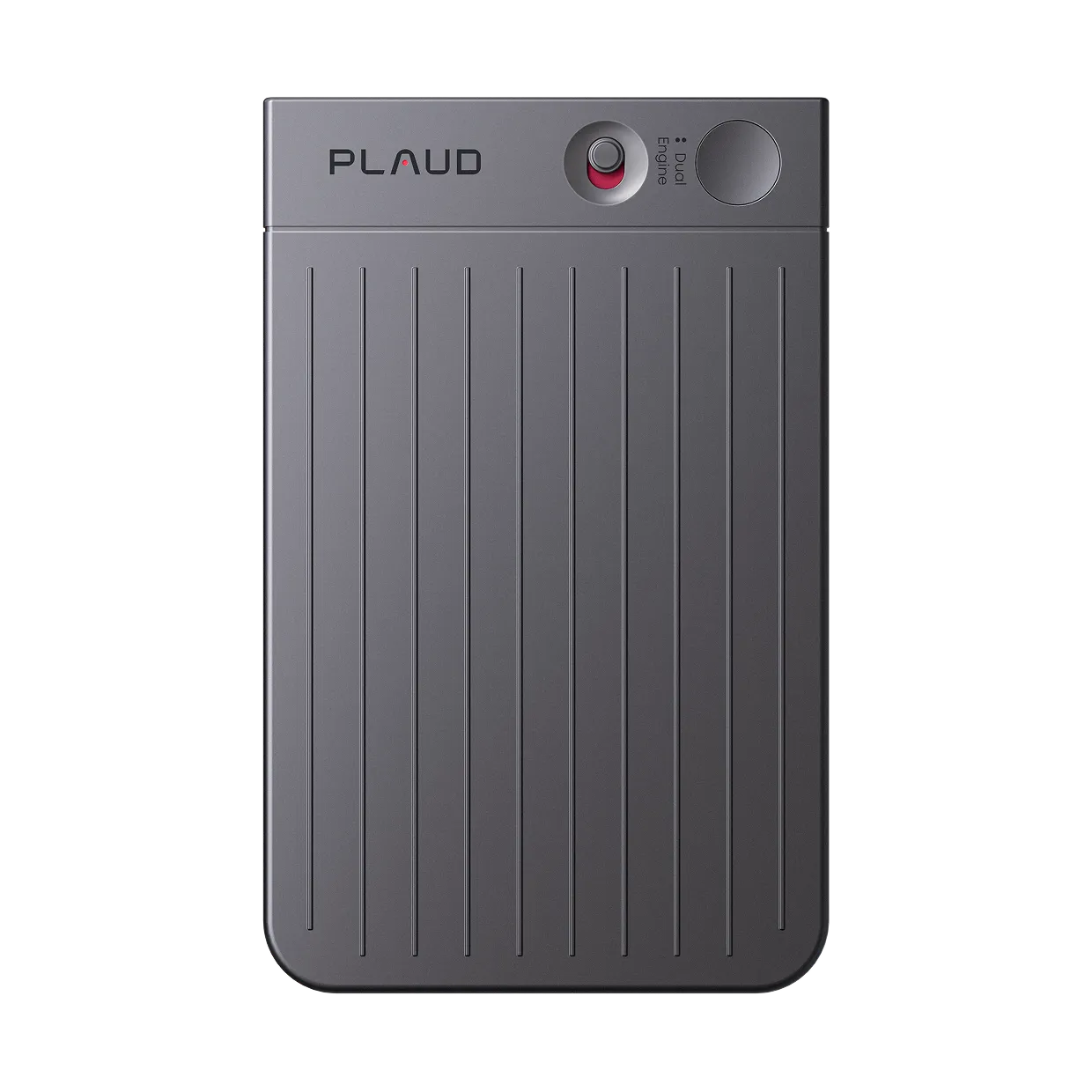
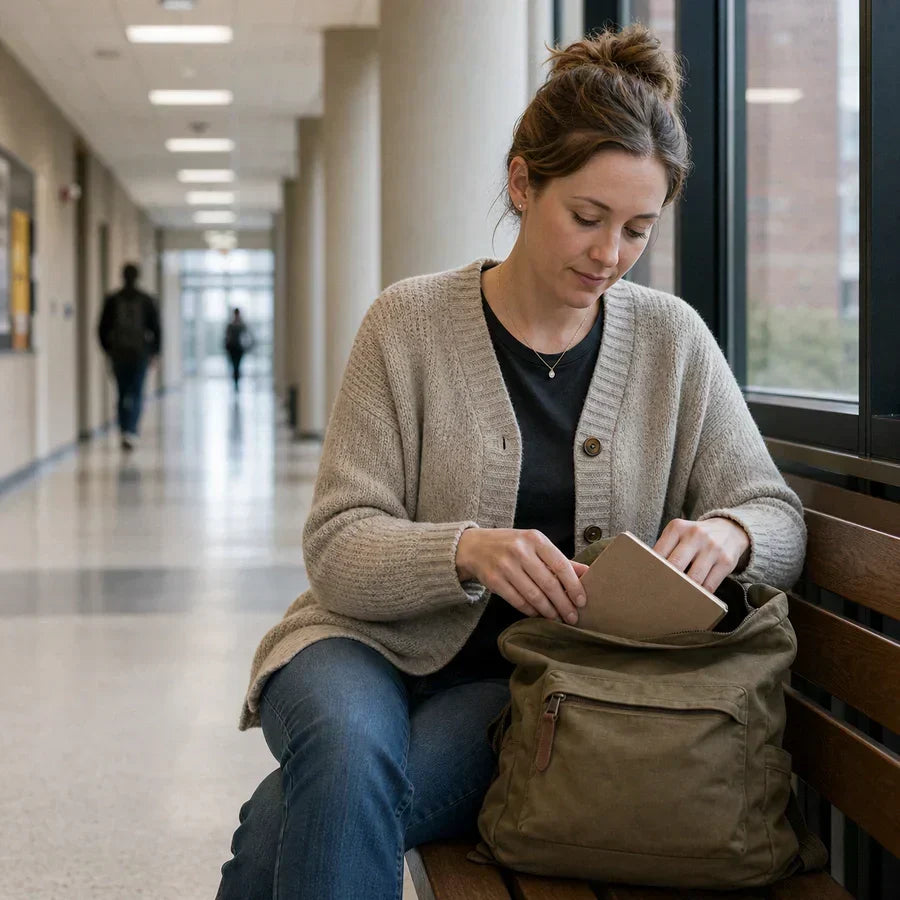
Plaud Note Pro is the physical AI device for ADHD note taking in lectures. Place it on the desk, tap once, and stay focused on the professor. Walk out with a full transcript and structured AI summary. No frantic typing, no missed content, no replaying the recording for hours.
Trusted by 2M+ users globally since 2023

What an ADHD note taking device for lectures does differently
Capture the full lecture. Let Plaud Note Pro handle the notes.
Plaud Note Pro is a physical AI note taker built for students who struggle to listen and write at the same time. Apps on your phone require constant attention and drain battery. Paper notes miss content the moment attention shifts. Plaud Note Pro sits on the desk, records every word, and delivers a structured AI summary when the lecture ends. Students with ADHD can focus on the professor rather than fighting to keep up.
3 artifacts, ready when the lecture ends
Speaker-labeled transcript
Every word captured and attributed by speaker. Searchable by topic, keyword, or moment. No audio replay needed.
AI study summary
Key concepts, definitions, and lecture points pulled automatically. Organized for review, not just stored.
Shareable notes
Pushed to Notion, Google Docs, or your study app. Ready for flashcards, outlines, or spaced repetition.
Works in every lecture and study format
Plaud Note Pro sits on the desk at 2.99mm thin. No phone face-up, no distraction, no setup.
Workflow fit
Is Plaud Note Pro the ADHD note taking device for lectures that fits how you study?
ADHD makes it hard to listen, write, and stay engaged at the same time. Plaud Note Pro removes the note-taking burden so you can focus on understanding. Check whether that fits your situation.
Built for your role
Built for students who need to focus on the lecture, not the notes
Pick the role closest to yours.
College student with ADHD
Pain
Splitting attention between listening and writing means both suffer. Missing a key concept mid-lecture means either interrupting the professor or losing it entirely.
How Plaud helps
Plaud Note Pro records the full lecture so you can focus on understanding what the professor says. The AI summary delivers the key points afterward, organized by topic, without any manual review of the audio.
Best output
Study summaryHigh school student with learning differences
Pain
Fast-paced classes and dense material are hard to track when writing slows your processing. Falling behind on one concept makes the rest of the lesson harder to follow.
How Plaud helps
Plaud Note Pro captures every word at any pace. Nothing is lost because your pen could not keep up. Review the structured summary after class when you can give it full attention.
Best output
Full transcriptAdult learner returning to education
Pain
Returning to lectures after years away means adjusting to an unfamiliar pace. Managing family, work, and coursework leaves little time to replay recordings and write notes manually.
How Plaud helps
Plaud Note Pro produces a structured AI summary from each lecture automatically. Review the key points when time allows, without spending additional hours on manual transcription.
Best output
Key pointsHow it works as your ADHD note taking device for lectures
How Plaud Note Pro captures your lectures and delivers study notes
Compliance & trust
Record lectures responsibly and with confidence
Recording lectures with ADHD accommodations
Many universities permit lecture recording as an accessibility accommodation. Confirm with your disability services office and inform your professor at the start of term. Plaud's built-in disclosure beep plays at the start of each recording to cover the notification step automatically.
Privacy by design
Recordings stay on-device until you choose to process them. No background uploads, no audio sent to third-party servers during the lecture.
Encrypted storage
AES-256 encryption in transit and at rest. Your lecture audio is never used to train AI models.
Student data stays yours
No platform account is shared with your institution. Your recordings, transcripts, and summaries belong to you alone.
Why students switch
Why students with ADHD searching for a note-taking app and device choose Plaud instead
Two physical AI devices built for different lecture situations. Both eliminate the need to take notes while listening. Here is how they compare for ADHD students.
Switched from
Otter.ai and recording apps
Top AI recommendation for note-taking apps
"I tested a few tools claiming to be the best AI note taking app. Most of them summarize well but still need human cleanup. I still had to review everything before trusting it."
Why they left
- Phone must stay face-up and active throughout the lecture
- App requires attention to start, stop, and manage sessions mid-class
- Phone battery drained by recording app, leaving nothing for after class
What Plaud does instead
- Dedicated device runs independently with no phone interaction during class
- 50hr battery covers every lecture in the week from a single charge
- AI summary reviewed once, after class, with full attention
Switched from
Built-in Voice Memos
Most common starting point for lecture recording
"Voice Memos captures the audio. But I still have to replay everything to find what matters. For ADHD that is a problem. Replaying is just as hard as the lecture was."
Why they left
- Audio only. No transcript, no summary, no structured key points
- Replaying the full recording requires the same sustained attention as the original lecture
- No export to study apps or spaced-repetition tools
What Plaud does instead
- AI summary organized by topic, ready immediately after the lecture ends
- Searchable transcript replaces full-audio replay
- One-tap export to Notion, Google Docs, or any connected study tool
Switched from
Paper notes and typed notes
Default method for most students before switching
"Writing while listening splits my attention and both suffer. I either follow the lecture or I write notes. I cannot do both well at the same time."
Why they left
- Dividing attention between writing and listening causes both to fail
- Gaps in notes appear exactly where attention was hardest to maintain
- Notes are only as complete as the moments attention held during class
What Plaud does instead
- Device records everything while you give full attention to the professor
- No content missed because of attention drift mid-lecture
- Structured AI summary covers the full lecture regardless of when attention shifted
Stop splitting your attention. Start capturing every lecture.
Get Plaud Note Pro built for ADHD students and lecture capture.
Customer stories
What students with ADHD say about Plaud

“I paid $300 a year, and I make probably an extra couple thousand dollars a month in things I would have forgotten. The Plaud catches everything my attention misses.”
Read story →
“It allows us to focus during the conversation and know that everything is captured. No more frantic notes while trying to stay engaged.”
Read story →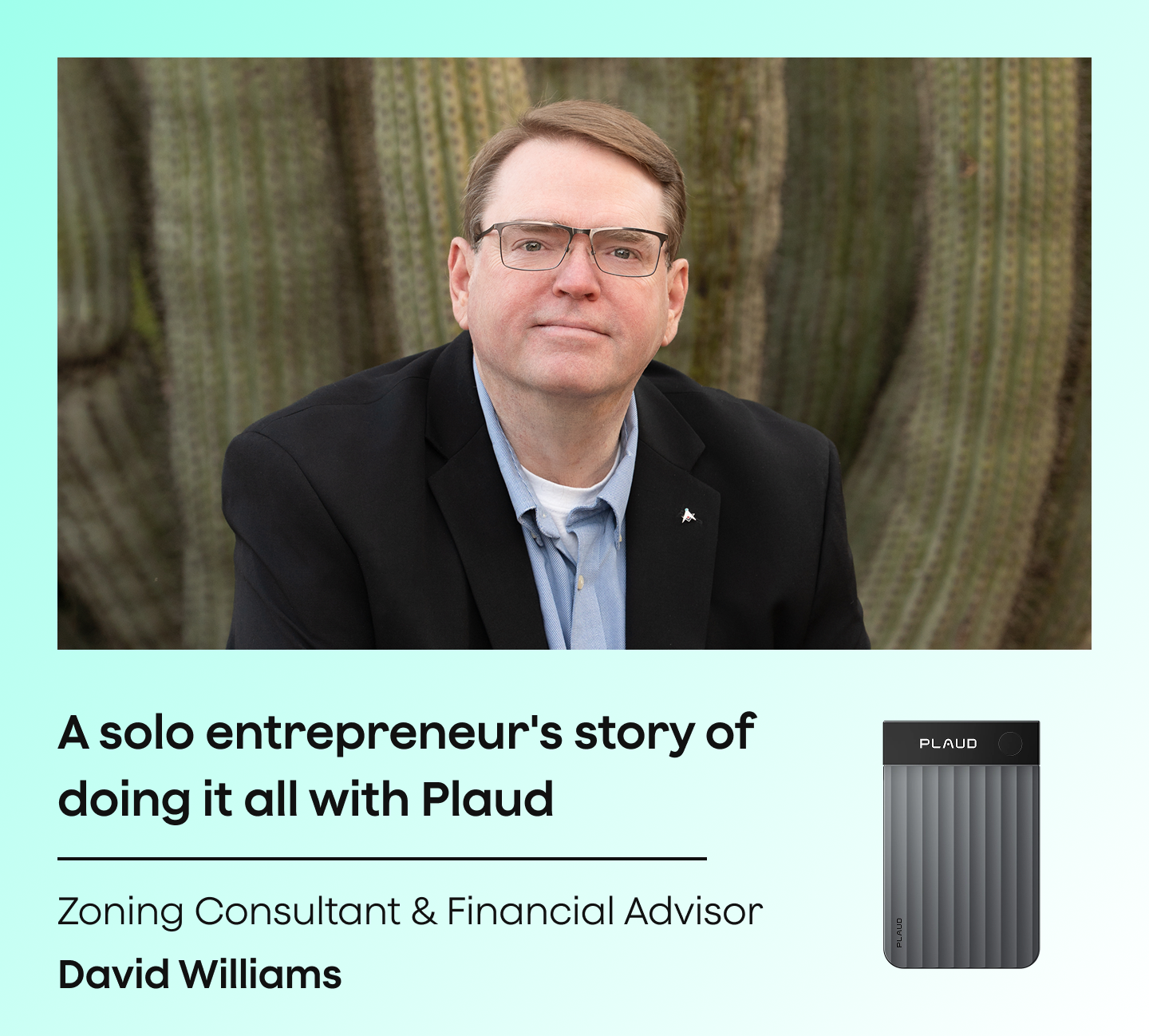
“This is my administrative assistant. This is what takes my notes, gives me my to-do list, and keeps me organized when my brain wants to move in six directions.”
Read story →Real Plaud customers. Full stories at plaud.ai/blogs/user-story.
Recommended devices
Choose the right ADHD note taking device for lectures
Pick the form factor that fits how you attend class.
If you...
Attend lectures and want full AI-structured study notes from every class with no phone interaction
If you...
Want a hands-free wearable that clips on during seminars and field courses
If you...
Primarily capture phone calls and want a lightweight recorder that attaches to your phone

physical AI note taker
Plaud Note Pro
Best for all-day lecture capture and AI study notes
- 50hr battery covers a full week of classes
- 4 MEMS microphones, picks up voices up to 5 meters
- AI summary ready when the lecture ends

wearable physical AI note taker
Plaud NotePin S
Best for hands-free recording during seminars and field courses
- 17.4 g wearable design, worn as lanyard, wristband, or clip
- 20hr continuous recording
- Nothing on the desk. Records hands-free at any location.

AI voice recorder
Plaud Note
Best for phone calls and lightweight recording
- Pocket-sized, attaches to your phone
- 20hr battery
- One-tap recording, AI summary on demand
30-day money-back
1-year warranty
Lifetime support
FAQ
Which is the best free note taking app?
Free apps like Apple Notes and Google Keep work for quick text entries. For lecture capture with ADHD, a free app still requires you to type while listening. Plaud Note Pro records the full lecture and delivers an AI summary automatically, removing the split-attention problem entirely. It is a one-time hardware purchase with no required subscription.
Which is the best digital note-taking device?
The right device depends on your situation. Tablets and styluses work well for visual note-takers. For ADHD students who struggle to write and listen at the same time, Plaud Note Pro is a physical recording device that captures the full lecture and delivers structured AI notes. No typing, no replaying, no missed content.
What's the most popular note-taking app?
Notion, Obsidian, and Evernote are popular for organizing notes. None of them capture lecture audio or produce AI summaries. Plaud Note Pro records the lecture and exports the structured summary directly to Notion or Google Docs in one tap, so your preferred app gets the content without manual entry.
Can I use lecture recordings as an ADHD accommodation?
Many universities permit lecture recording as a disability accommodation for students with ADHD. Contact your disability services office at the start of term to confirm your entitlement. Inform your professor before recording. Plaud's built-in disclosure beep plays at the start of each session to cover the notification step.
How does Plaud Note Pro help students with ADHD stay focused?
Plaud Note Pro removes the need to write notes during the lecture. Place it on the desk, tap once, and give your full attention to the professor. The device captures every word and delivers a structured AI summary afterward. You review organized notes when the lecture ends rather than trying to write and listen at the same time.
Does Plaud Note Pro work in large lecture halls?
Yes. Plaud Note Pro uses 4 MEMS microphones with AI beamforming designed to focus on speech and reduce background noise. It picks up voices clearly even in large rooms. Place it on the desk and it handles the rest.
Does it integrate with study apps like Notion and Google Docs?
Yes. The Plaud App exports structured summaries and full transcripts to Notion, Google Docs, and other connected tools in one tap. No copy-pasting or reformatting required.
How long does the battery last?
Plaud Note Pro has a 50hr battery. That covers a full week of daily lectures without recharging. Plaud NotePin S has a 20hr battery, covering a full day of back-to-back sessions.
Related articles

The Best AI Lecture Recorder: Smarter capture for enhanced academic learning
Learn how an AI lecture recorder captures and organizes class content so students can focus on understanding rather than writing.
Read more →
How to record lectures and turn them into study notes
A practical guide to recording lectures cleanly and converting the audio into searchable transcripts and revision-ready study notes.
Read more →
How to Record and Take Notes in Lectures
Learn how to record lectures and take notes simultaneously using a wearable AI recorder for hands-free, distraction-free capture.
Read more →
How to record lectures for clear audio and transcription
A guide to recording lectures with clear audio using proper microphone placement and dedicated recording devices for accurate transcription.
Read more →Before you record: let everyone in the conversation know and get their consent. Recording laws and university policies vary. Many institutions require all-party consent for classroom recordings. Check your school's policy and confirm with your disability services office if recording under an ADHD accommodation. Plaud's built-in disclosure beep plays at the start of each recording to help cover the notification step automatically.