
Virtual meeting recording · Buying guide
Best Software to Record Virtual Meetings with Transcript
Most meeting recording tools depend on the host pressing record. When they forget, or when your platform limits who can start recording, you end up with no transcript and no notes. This guide covers the four main approaches to recording virtual meetings with a transcript, explains where each one breaks down, and shows which setup works without asking anyone for permission.
 Best for automatic transcript without host permission
Quick answer
4 steps to record a virtual meeting with a transcript
Consent and audio quality happen before the meeting ends. The transcript only works if both are right.
1. Confirm consent from all participants before the meeting starts
Tell everyone you plan to record and wait for their agreement. Recording laws differ by country and state. Always get consent before you open any recording tool.
2. Choose a recording method that does not require host permission
Platform tools lock recording behind host access. A dedicated recorder or a bot-based tool lets you capture the meeting on your own.
3. Position your recorder to capture clear audio from all speakers
Place the device near your laptop speaker or use a recorder with a long pickup range. Poor audio at this step produces an inaccurate transcript.
4. Review the auto-generated transcript and mark action items
Read through the transcript while the meeting is fresh. Mark decisions and action items, and assign owners before you close the call.
Methods
Four ways to record a virtual meeting with a transcript
Compared on whether host permission is required, how the audio is captured, whether a transcript is generated automatically, and how much setup is needed per meeting.
Platform built-in recording (Zoom, Teams, Meet)
Built-in recording requires host or admin access. It produces a video file. A separate tool is needed to generate a text transcript.
Screen recorder with audio (OBS, Loom)
Screen recorders capture the meeting without platform restrictions. They depend on your system microphone and consume CPU during the recording.
Browser extension or bot transcriber (Otter.ai, Fireflies)
Bot-based tools join as a meeting participant and transcribe in real time. They require inviting a bot to the call, which some participants find intrusive.
Dedicated AI recorder (Plaud Note Pro)
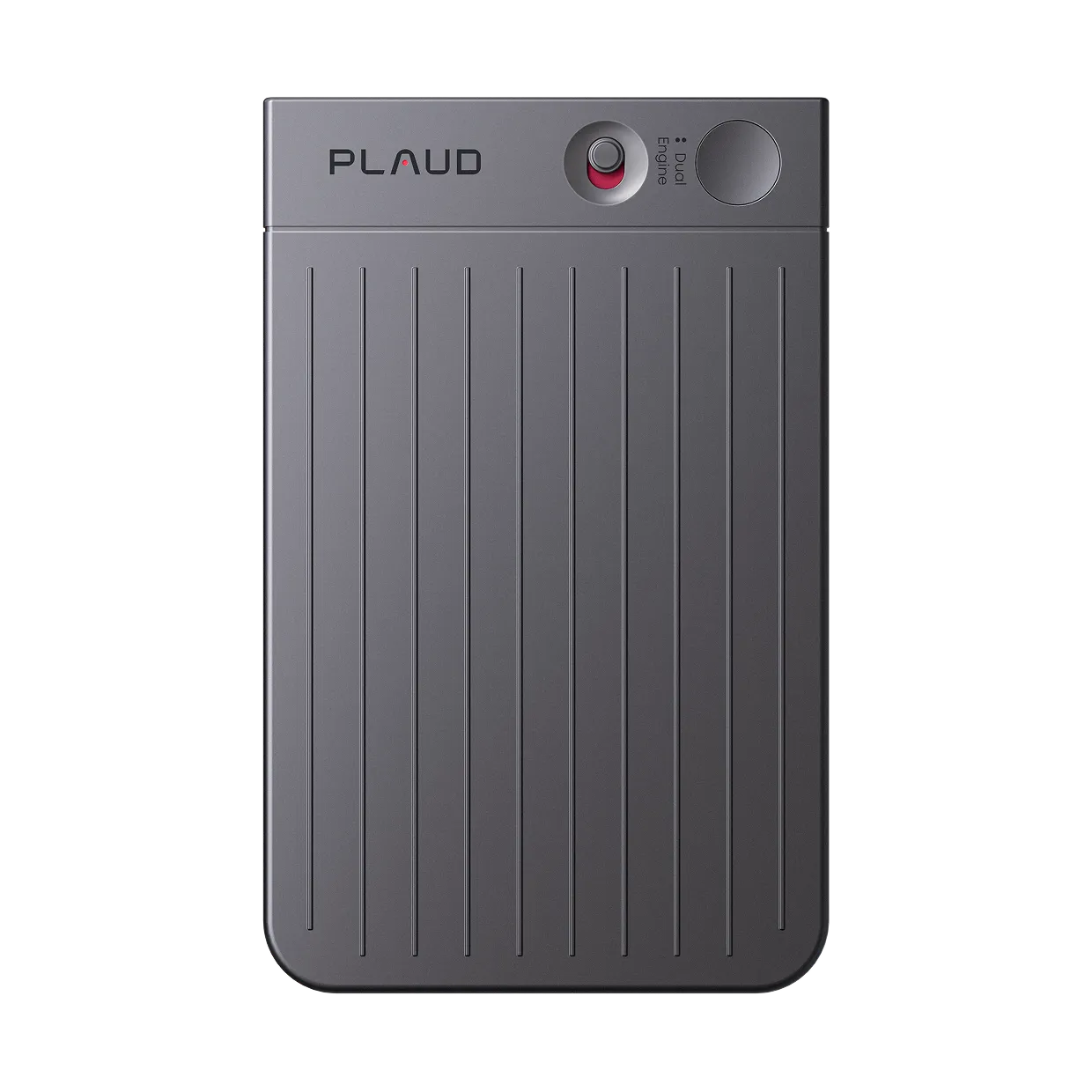
Plaud Note Pro sits beside your device and records through four MEMS mics with AI beamforming. Plaud Intelligence generates a structured transcript in 112 languages without any platform integration.
Based on common meeting recording workflows and Plaud product data. Always follow your organization's recording policy and local consent rules before recording any meeting.
Tips
Most meeting recording tools have a permission problem or an audio problem
Four things determine whether your virtual meeting produces a usable transcript. Platform access comes first. Audio quality, transcript speed, and cross-platform reliability each decide whether the record is complete or missing.
The easier way
How Plaud Note Pro records any virtual meeting and delivers a transcript
Plaud Note Pro sits beside your laptop and records through four MEMS mics with AI beamforming. No platform integration is required. After the meeting, open the Plaud App and Plaud Intelligence generates a structured transcript in your chosen template from over 10,000 options. It works on Zoom, Teams, Google Meet, and any other platform without additional setup. Always confirm that all participants have consented before recording.
- Platform recording stops when the host forgetsPlaud Note Pro records independently of any platform and does not require host access to start.
- Laptop mics pick up speaker echoPlaud Note Pro uses four MEMS mics with AI beamforming to capture clear speech from up to 5 m away.
- Uploading a file to a transcription service adds delayPlaud Note Pro syncs to the Plaud App on open and starts Plaud Intelligence automatically.

Plaud Note Pro
A physical AI recorder that captures virtual meetings through hardware mics and delivers a transcript without any platform integration.
Plaud Note Pro vs Plaud NotePin S
Plaud Note Pro for desk-based virtual meetings where you need hardware mic pickup without platform integration. Plaud NotePin S for users who move between in-person and virtual meetings and want a wearable option.
Plaud Note Pro
A physical AI recorder that captures virtual meetings through hardware mics and delivers a transcript without any platform integration.
- 4 MEMS mics
- AI beamforming
- 5 m pickup
- Smart dual-mode
- Up to 30 hours

Plaud NotePin S
Best for users who attend both virtual and in-person meetings and want a recorder they can wear throughout the day.
- 17.4 g wearable
- Four wearing styles included
- Up to 20 hours
- Plaud Intelligence AI notes
Frequently asked questions
What is the best software to record virtual meetings with a transcript?
The best choice depends on whether you need host permission. Platform tools like Zoom and Teams require host access and produce video files. Bot tools like Otter.ai join as a participant and transcribe in real time. A dedicated recorder like Plaud Note Pro captures audio independently through hardware mics and delivers a transcript via Plaud Intelligence without any platform integration. Always get consent from all participants before recording.
Which AI tool records and transcribes meetings automatically?
Several tools offer automatic transcription. Otter.ai and Fireflies.ai join the call as a bot participant. Plaud Note Pro uses a physical device with four MEMS mics and Plaud Intelligence to generate transcripts in 112 languages without connecting to the meeting platform. It works on any platform without additional setup.
What is the best way to record a meeting?
The most reliable method is one that does not depend on host permission or platform configuration. A hardware recorder placed beside your device captures audio regardless of which platform the meeting uses. Confirm participant consent before recording regardless of which method you choose.
Can I record a meeting if I am not the host?
Platform recording tools usually require host or admin access to start. Bot-based transcription tools join independently. A dedicated hardware recorder such as Plaud Note Pro captures audio from your device without any platform permission. Always inform all participants before recording, regardless of the method you use.
Related
Related articles

Transcribe audio to text for meetings
The transcript is only the start. Here is how to turn meeting audio into a complete usable record.
Read more
How to transcribe meetings with speaker labels
A transcript without speaker labels is hard to act on. Here is how to get attribution built in from the recording.
Read more
How to write meeting minutes faster with AI
Meeting minutes take time. Here is how to generate a draft from a recording without manual reformatting.
Read more
How to record a Zoom meeting
Zoom has built-in recording but it depends on the host. Here is how to record any Zoom meeting with a transcript.
Read more