iPhone call recording · How-to guide
How to record a phone call on iPhone with transcript
iOS 18.1 added native call recording with an automatic transcript through the Notes app, but only on devices with Apple Intelligence in supported regions. For users on older iOS versions, a different device on the other end, or outside supported areas, a physical recorder that captures both sides of the call directly is the most reliable option on any iPhone.
 Works on any iPhone
Quick answer
4 steps to record an iPhone call and get a transcript
The method depends on your iOS version. iOS 18.1 with Apple Intelligence handles everything natively. For all other devices, a physical recorder attached to the phone works on any iOS version.
1. Check your iOS version and Apple Intelligence availability
Go to Settings > General > Software Update. iOS 18.1 or later with Apple Intelligence enabled in a supported region unlocks native call recording in the Phone app with automatic transcript in Notes.
2. If iOS 18.1 is available: start a call and tap the record button
Once recording begins, iOS sends an automatic notification to all parties that the call is being recorded. The recording is saved to the Call Recordings folder in Notes and a transcript is generated automatically after the call ends.
3. If iOS 18.1 is not available: attach a physical recorder to the iPhone
A recorder designed to attach to the back of an iPhone captures audio from both the speaker and microphone sides of the call directly, on any iOS version, without requiring the other party to have a specific device or app.
4. After the call: access the transcript in Notes or sync the recording
iOS 18.1 users find the transcript in Notes automatically. For physical recorder users, syncing the device to the app generates an AI transcript without a separate upload step.
Methods
Which setup records an iPhone call and produces a transcript
Compared on iOS version required, whether all parties are notified automatically, whether the method works without internet, and whether a text transcript is produced after the call.
iOS 18.1 native call recording
Built into the Phone app on supported devices. Recording starts with one tap. An automatic notification is sent to all parties at the start of the recording. Transcript appears in the Notes app automatically.
Third-party app (Google Voice, Fireflies)
Works on any iOS but requires an internet connection. Consent handling varies by app. Transcript quality depends on the service.
Second device recording ambient audio
A second phone or laptop placed near the speaker captures the caller's voice. Only one side of the call is captured cleanly.
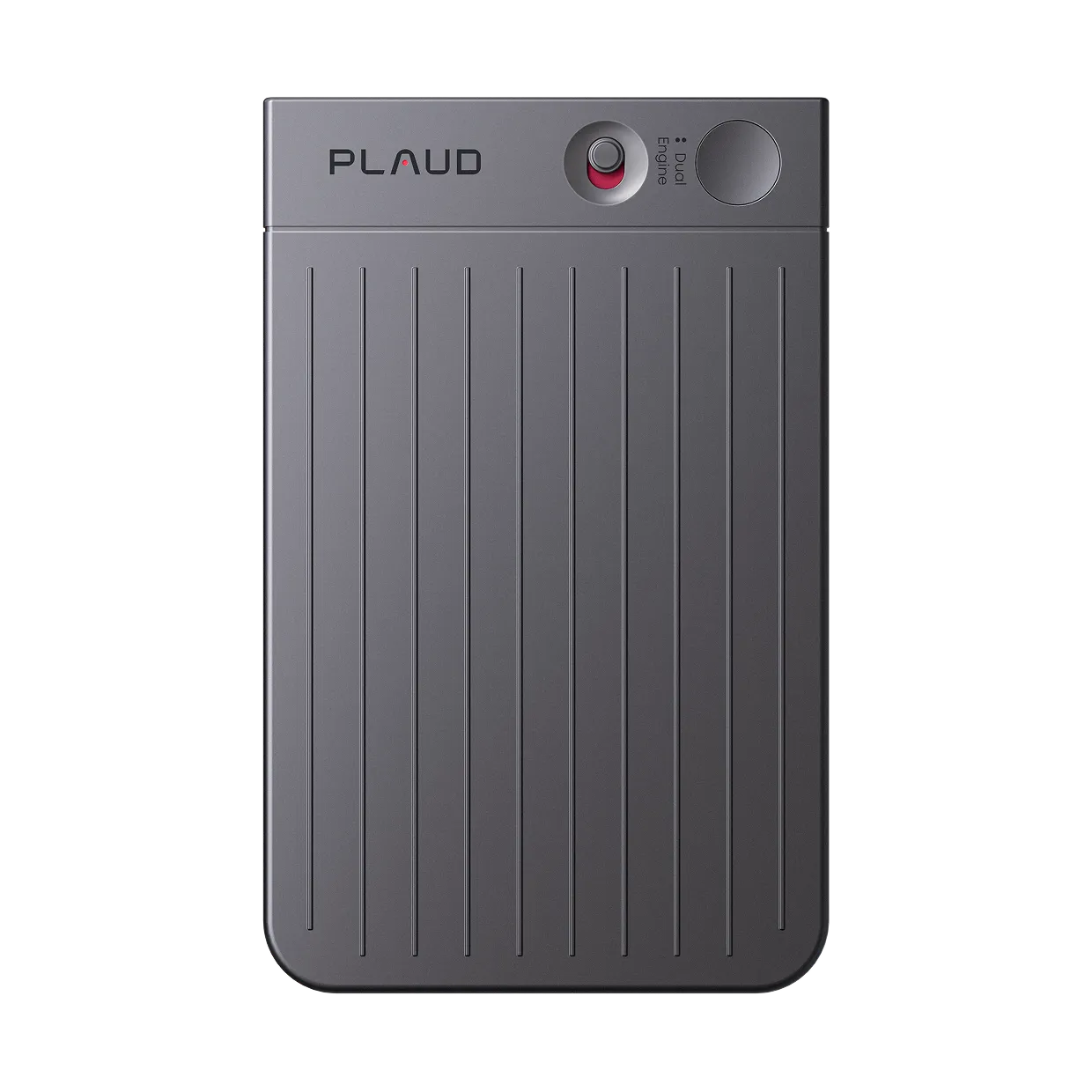
Plaud Note (magnetic attachment)
Attaches to the back of the iPhone with a magnetic case and records audio from both the speaker and the microphone directly. Works on any iOS version.
Recording laws vary by jurisdiction. Many require the consent of all parties before a call is recorded. Always inform the other party and confirm local requirements before recording.
Tips
What determines the quality of an iPhone call transcript
Transcript quality follows audio quality. A recording that captures both sides of a call clearly produces a transcript with fewer errors than ambient capture from a second device.
The easier way
Plaud Note. Record any iPhone call with transcript, on any iOS version.
Plaud Note is an AI voice recorder that attaches to the back of an iPhone with a magnetic case and records both sides of the call directly, regardless of iOS version or region.
- Works on any iOS versionNo Apple Intelligence or iOS 18.1 requirement.
- Direct capture for cleaner audioRecords both sides of the call directly.
- AI transcription after the callGenerates searchable transcript and summary without manual upload.

Plaud Note
Attach to any iPhone, record both sides of any call, get a transcript and summary after. Works on any iOS version.
Pick the Plaud for your recording scenario
Plaud Note for recording phone calls directly from your iPhone, on any iOS version. Plaud Note Pro for in-person meetings and conference rooms where a table-top recorder with a wide pickup range covers multiple speakers.
Plaud Note
Phone call recording · Magnetic iPhone attachment · Up to 20 hours recording · AI transcription
- Phone call recording
- Magnetic iPhone attachment
- Up to 20 hours recording
- AI transcription

Plaud Note Pro
Best for in-person meetings and conference rooms — 4 MEMS mics with AI beamforming cover a table of multiple speakers at distance.
- 4 MEMS mics
- 5 m pickup range
- AI beamforming
- Up to 30 hours recording
Frequently asked questions
How do I record a phone call without the other person knowing?
Recording without the other party's knowledge is illegal in most jurisdictions. Always inform the other party before recording begins and confirm that local laws permit the recording.
Can you record a live phone call?
Yes. iOS 18.1 or later with Apple Intelligence supports native call recording from within the Phone app, with an automatic notification to all parties and a transcript in Notes.
Can someone record your phone call without you knowing?
In most jurisdictions, recording without all-party consent is illegal. iOS 18.1 native recording notifies all parties automatically at the start of the recording.
Is it legal to record phone calls on an iPhone?
Laws vary by jurisdiction. Many U.S. states and countries require the consent of all parties before a call is recorded.
What is the best way to transcribe a recorded phone call?
AI transcription tools accept uploaded audio and return a searchable text transcript. iOS 18.1 native recording generates the transcript automatically in Notes after the call ends.
Related articles
Related articles
Explore more guides on recording calls and legal considerations.

How to record a phone call legally
Learn how to record phone calls legally with consent rules and reliable methods that work on any phone.
Read more
How to record a phone call on iPhone without an app: a comprehensive guide
Learn how to record a phone call on iPhone without apps. Discover simple, app-free methods for clear audio & AI trans...
Read more
How do you record a call on your iPhone? Is it legal?
Learn how to record calls on your iPhone, check if it's legal, and discover the easiest ways to capture clear, hassle...
Read more
Is it legal to record a phone call: Your state-by-state guide to voice recording laws
Curious about phone recording laws by state? Read our complete guide on state phone recording laws and protect yourse...
Read more