
Client consultations · How-to guide
How to Record and Summarize Client Consultations
Taking notes during a client consultation splits your attention away from the person in front of you. Manual notes miss detail and require another hour after the meeting to turn into a usable summary. This guide compares four approaches and explains which one delivers an accurate, structured record without interrupting the session.
 Best for in-person and phone consultation recording
Quick answer
4 steps to record and summarize a client consultation
Consent and setup come before the session starts. The summary is ready before the client leaves.
1. Obtain client consent before the session begins
Recording a client consultation requires the client's prior consent in most jurisdictions. Inform the client before the session starts and confirm their agreement on the record.
2. Place the recorder and start the session
Set the device on the desk or clip it to your clothing. Start recording and focus entirely on the client. No note-taking is needed during the session.
3. Open the app and choose a consultation summary template
After the session, open the Plaud App. The recording syncs automatically. Select a template that matches the session type: intake, follow-up, action plan, or legal brief.
4. Review the summary and export or share it
Check decisions, action items, and follow-up tasks. Export directly to your case management system or email the summary to the client within minutes of the meeting ending.
Methods
Four ways to record and summarize client consultations
Compared on how each method handles consent, audio quality at a consultation table, summary structure, and coverage when the session continues by phone.
Manual notes during the session
The consultant writes or types notes in real time while talking. No recording device is used.
Smartphone voice recorder app
Record on an iPhone or Android. Review the audio later and type a summary by hand.
Third-party transcription app
Record through an app such as Otter or Fireflies and receive an AI transcript after the session.
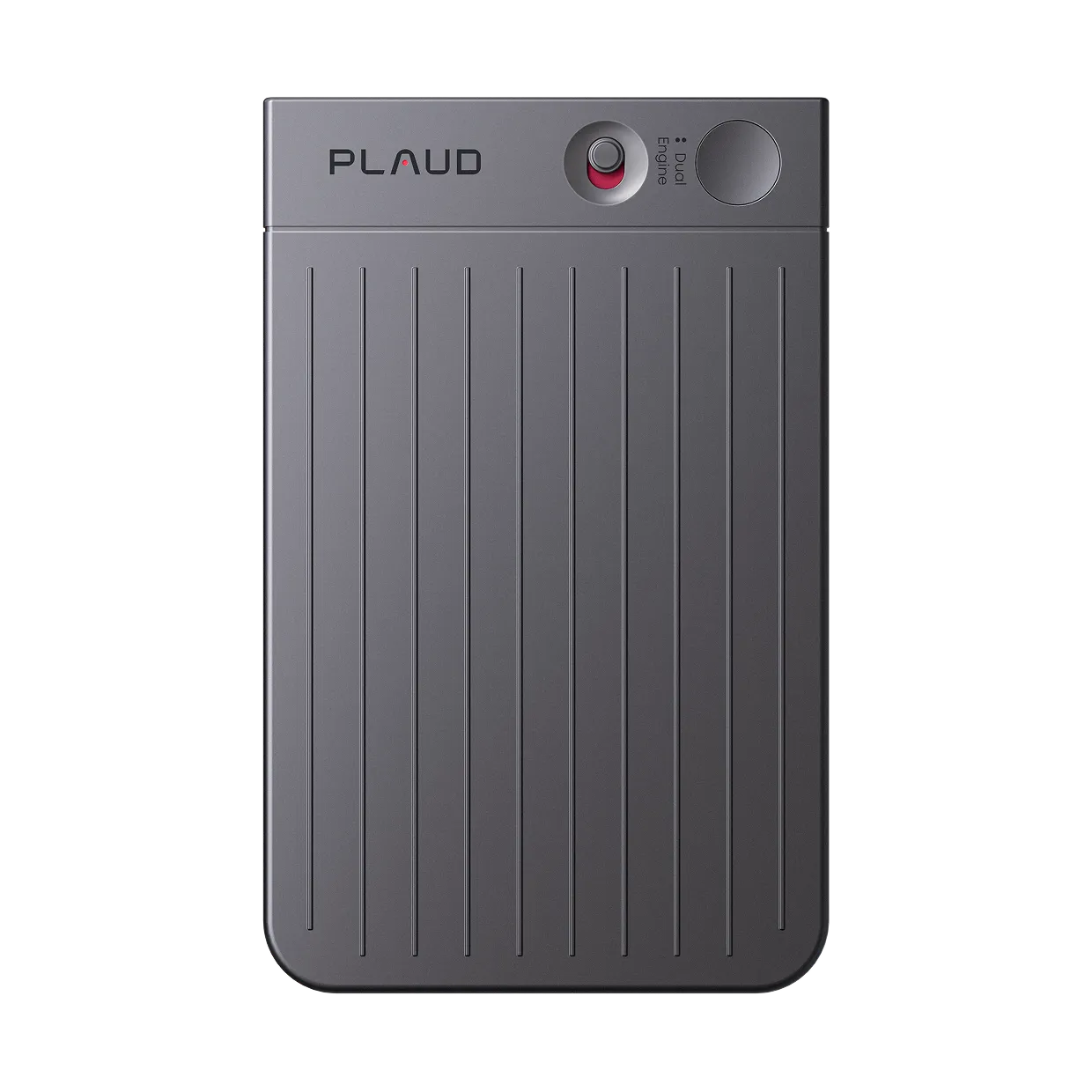
AI recorder (Plaud Note Pro)
Plaud Note Pro captures full-room audio and applies Plaud Intelligence to generate a structured summary.
Based on common professional consultation workflows and Plaud product data. Always obtain informed consent from all participants and follow local recording laws before recording any conversation.
Tips
Most recording tools capture audio. Getting a structured consultation summary takes more than that.
Four things determine whether a client consultation record is actually useful.
The easier way
How Plaud Note Pro records and summarizes client consultations
Plaud Note Pro captures full-room audio through four MEMS mics with AI beamforming. It covers both in-person consultations and phone follow-up calls in one device.
- Stay present in the conversationSplitting focus between the client and your notepad reduces the quality of both.
- Smart dual-mode recordingPhone follow-ups often contain the decisions that change the case direction.
- Structured summary in minutesWriting a summary from memory after the meeting takes 30 to 60 minutes and still misses detail.

Plaud Note Pro
A professional AI recorder built for client consultations.
Plaud Note Pro vs Plaud NotePin S
Plaud Note Pro for professionals who need dual-mode coverage across in-person sessions and phone follow-up calls. Plaud NotePin S for consultants who prefer a wearable device.
Plaud Note Pro
Professional AI recorder for client consultations with smart dual-mode.
- 4 MEMS mics with AI beamforming
- Smart dual-mode (in-person and phone)
- 10,000+ summary templates
- Up to 30 hours battery

Plaud NotePin S
Wearable recorder that stays off the desk and keeps focus on the conversation.
- 17.4 g wearable
- Four wearing styles included
- Up to 20 hours battery
- Plaud Intelligence AI notes
Frequently asked questions
How can I record and summarize a client consultation?
Place an AI recorder on the desk before the session starts and obtain client consent. Record the full meeting hands-free. After the session, open the Plaud App, select a consultation summary template, and Plaud Intelligence generates a structured summary.
Is it legal to record client consultations?
Recording laws vary by jurisdiction. Most require consent from all parties being recorded. Always inform the client before the session begins and confirm their consent on the record.
How to use AI to summarize a client meeting?
After recording the session, upload the audio to an AI transcription service or use a device with built-in AI processing. Plaud Intelligence processes the recording directly on the Plaud App and applies a session-specific template.
Can an iPhone record and summarize a client consultation?
An iPhone can record audio, but the built-in microphone captures a degraded signal at desk distances. A dedicated AI recorder handles the full workflow in one step.
What is the best recorder for professional consultations?
The best recorder captures clear audio at table distance, generates a structured summary automatically, and covers phone follow-up calls in the same device.
Related articles
Related articles
Explore more guides on AI recording and meeting documentation.

How to write meeting minutes faster with AI
Meeting minutes take time. Here is how to generate a draft from a recording without manual reformatting.
Read more
Transcribe audio to text for meetings
The transcript is only the start. Here is how to turn meeting audio into a complete usable record.
Read more
Wearable AI meeting note taker
A wearable recorder that stays off the desk and keeps the conversation natural.
Read more
How to record a phone call legally
Know the consent rules before recording any phone call with a client.
Read more