Hands-free recording · How-to guide
How to record hands-free with a voice recorder
Hands-free recording means the device runs without you holding it — not just voice-activated, but physically detached from your hands for the entire session. Most phone-based solutions still require you to unlock, tap, or shout a command partway through. A wearable recorder removes that dependency entirely.
 Best for hands-free use
Quick answer
How to record with an AI Voice Recorder- 4 steps
Attach once before the activity; no hands needed after that.
1. Attach the recorder before the activity starts
Clip it to a lanyard, wristband, collar, or magnetic pin. Once attached, your hands are free for the rest of the session.
2. Press once to start recording
Long press the physical button to begin. No screen to unlock, no app to open, no voice command to speak.
3. Carry on with the activity
The recorder captures audio continuously while you present, drive, walk, or work. A short press highlights a moment you want to find later.
4. Review the AI transcript after
Upload the recording to Plaud Intelligence for transcription and summary — no manual note-taking required.
Methods
Four ways to record without holding a device
Compared on whether hands remain free throughout, audio quality when the device is not in hand, and setup required per session.
Phone held in hand
Standard approach — record with Voice Memos or a third-party app while holding the phone.
Phone on a stand or desk
Place the phone at a fixed position and let it record. Hands free physically, but audio degrades when the speaker moves away.
Voice assistant (Siri / Hey Google)
Start recording with a voice command. Requires shouting a trigger mid-activity; activation is inconsistent in noisy environments.
Wearable AI recorder (Plaud NotePin S)
Clip to lanyard, wristband, or collar. Mic travels with the wearer; one physical press to start.
Based on common recording scenarios and Plaud product data. Always follow local consent rules before recording others.
Tips
What makes hands-free recording good
True hands-free recording depends on four qualities: the device stays put without being held, the mic stays close to the speaker regardless of movement, starting requires no screen interaction, and the battery outlasts the activity.
The easier way
Plaud NotePin S — wearable recording, no hands required
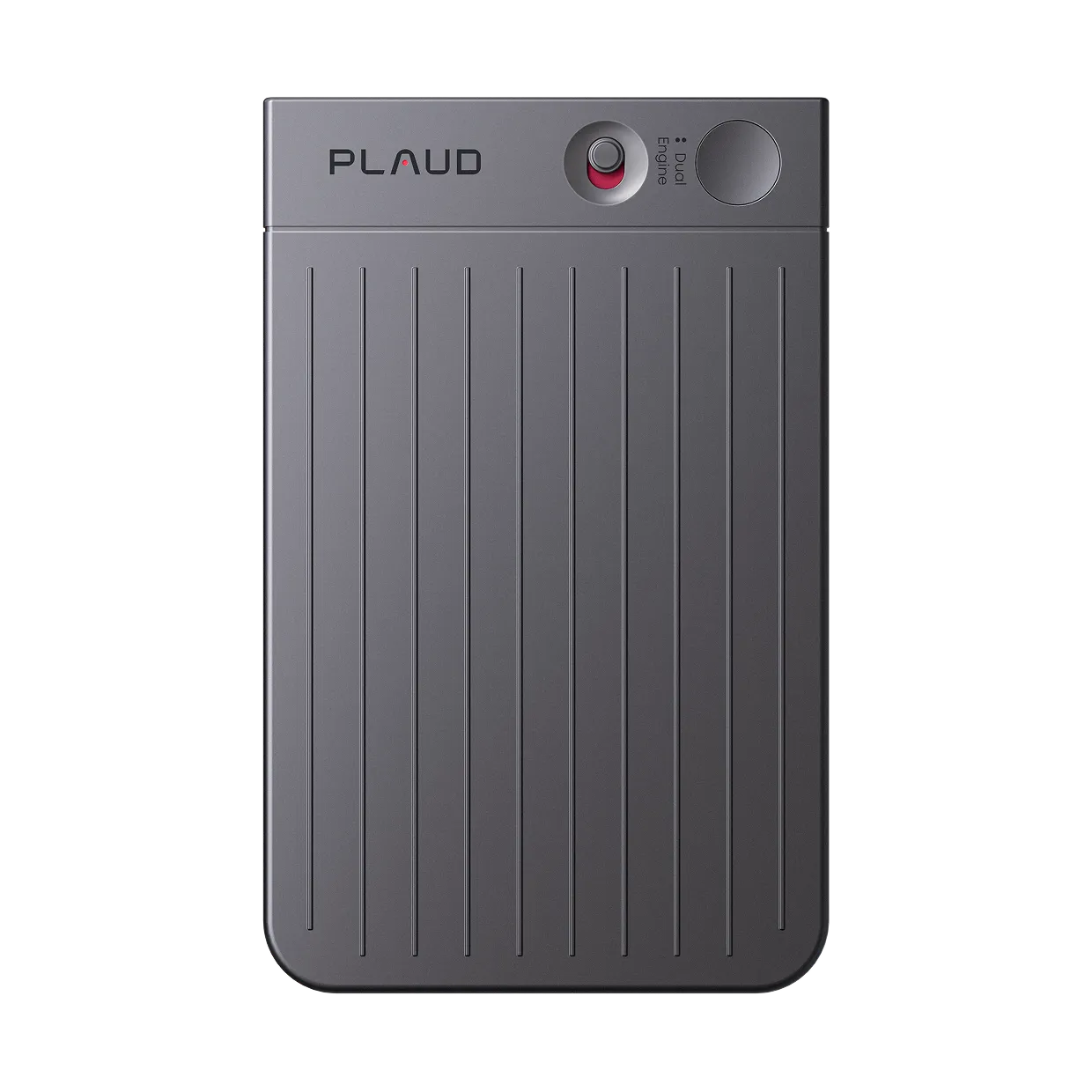
Plaud NotePin S is a wearable AI note-taking device designed around one principle: once it is on, no further interaction is needed. Clip, lanyard, wristband, or magnetic pin — pick whichever keeps it out of the way during your activity.
- Wearable in four waysClip, lanyard, wristband, magnetic pin — all accessories included in the box.
- 20-hour continuous recording at 17.4 gOutlasts a full day of back-to-back activities without recharging.
- One-press recordingNo screen, no unlock, no voice command needed to start or highlight.

Plaud NotePin S
The world's most wearable physical AI note taker — four wearing styles, one press to record.
Pick the Plaud for your recording setup
NotePin S for wearable hands-free recording in any in-person setting; Note Pro for mixed setups that include phone calls and multi-speaker conference rooms.

Plaud NotePin S
Wearable in 4 ways · 17.4 g · Up to 20 hours recording · 40-day standby · All accessories included
- Wearable in 4 ways
- 17.4 g weight
- 20 hours recording
- 40-day standby

Plaud Note Pro
Best for in-person meetings and phone calls — smart dual-mode auto-detects recording context.
- 4 MEMS mics, 5 m pickup
- Smart dual-mode
- Up to 30 hours recording
- InstantView AMOLED display
Frequently asked questions
Which voice recorder is free on iPhone?
Apple Voice Memos is built into every iPhone at no cost. It records to the device, supports background recording, and syncs via iCloud. AI transcription requires a paid plan or a separate tool.
Which is the best free voice recorder app?
Apple Voice Memos (iPhone) and Google Recorder (Pixel phones) are the strongest free built-in options — both offer clean audio and, on Pixel, on-device transcription. For cross-platform use, Otter.ai has a free tier with limited monthly transcription minutes.
Is there a free voice recorder?
Yes — most phones include one. iPhone has Voice Memos, Android has a built-in Voice Recorder or Google Recorder. These are free and record indefinitely. AI transcription and structured summaries typically require a paid plan or dedicated hardware.