
Interview recording · How-to guide
How to record interviews
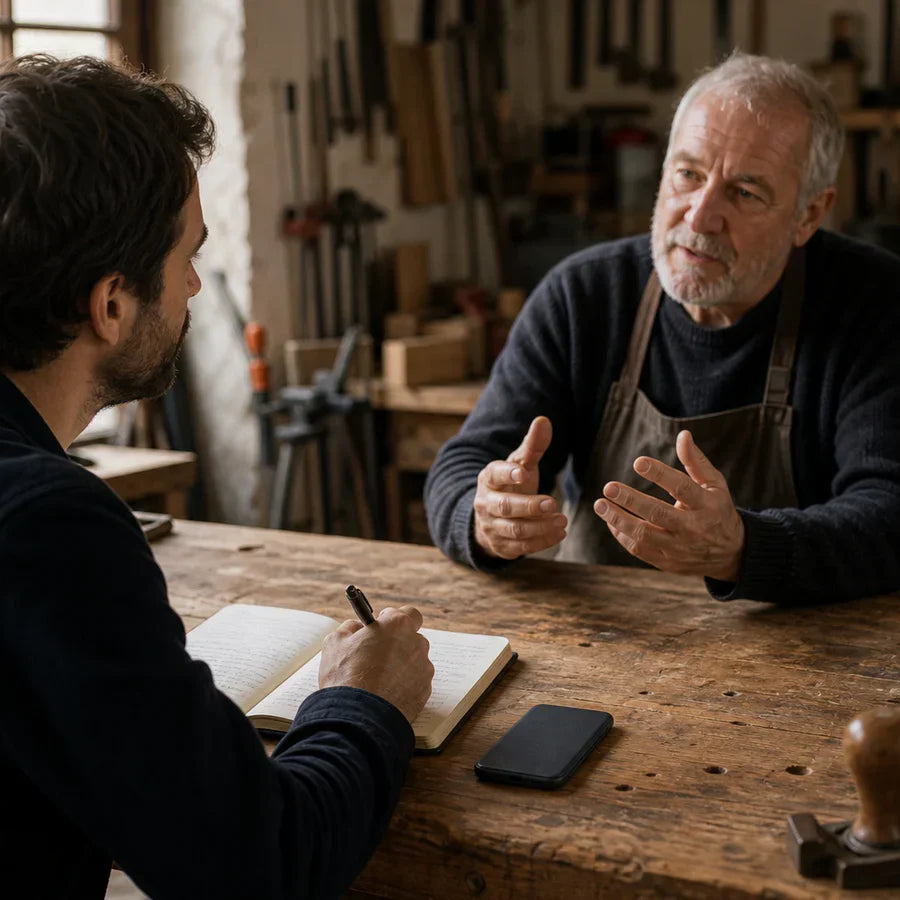
Managing a recording device during an interview competes with maintaining the rapport that produces honest, detailed answers. A subject who notices the device changes how they speak. The best recording setup is the one they stop thinking about.
 Best for in-person interview capture
Quick answer
4 steps to a reliable interview recording
Whether the interview is in-person or remote, the setup decisions before pressing record determine whether every word is usable for transcription or quotation.
1. Confirm consent before placing or starting any recording device
Ask permission before recording, especially in jurisdictions with strict recording laws. State clearly what the recording will be used for. For in-person interviews, confirm before any device is placed on the table or clipped to clothing. For remote interviews, confirm on-record at the start of the session.
2. For in-person interviews: position the device 6–18 inches from the speaker and choose a quiet room
Place the device 6 to 18 inches from the speaker's mouth, resting on a soft surface to reduce vibration noise from the table. Use a room with carpet, curtains, or other soft furnishings to reduce echo. Close windows and turn off fans before starting. A digital recorder or dictaphone provides a reliable backup.
3. Do a dry run before the formal interview begins
Record a short warm-up exchange and play it back. This confirms audio quality and catches placement problems before anything important is said. For remote interviews, test your platform's recording function before the subject joins.
4. Have a backup device ready for critical sessions
A second device, a backup app, or a spare recorder means one hardware failure does not lose the interview. For published work or legal proceedings, a backup recording is not optional.
Methods
Which setup delivers clean audio without interrupting the interview
Compared on audio quality relative to distance from subject, how much device management is required during the session, battery reliability for full-day use, and whether transcription is built in.
Phone on the table
Convenient and always available. Visually prominent. The subject stays aware of the device throughout the session. Notifications and battery drops can interrupt.
Handheld recorder (traditional journalist)
Good audio quality. Requires the interviewer to hold or redirect the mic, which signals recording pressure and requires active device management.
Lavalier mic clipped to subject
Excellent proximity audio. Requires physical contact with the subject and an extended setup discussion, inappropriate in most journalism, research, or HR contexts.
Wearable clip recorder (Plaud NotePin S)
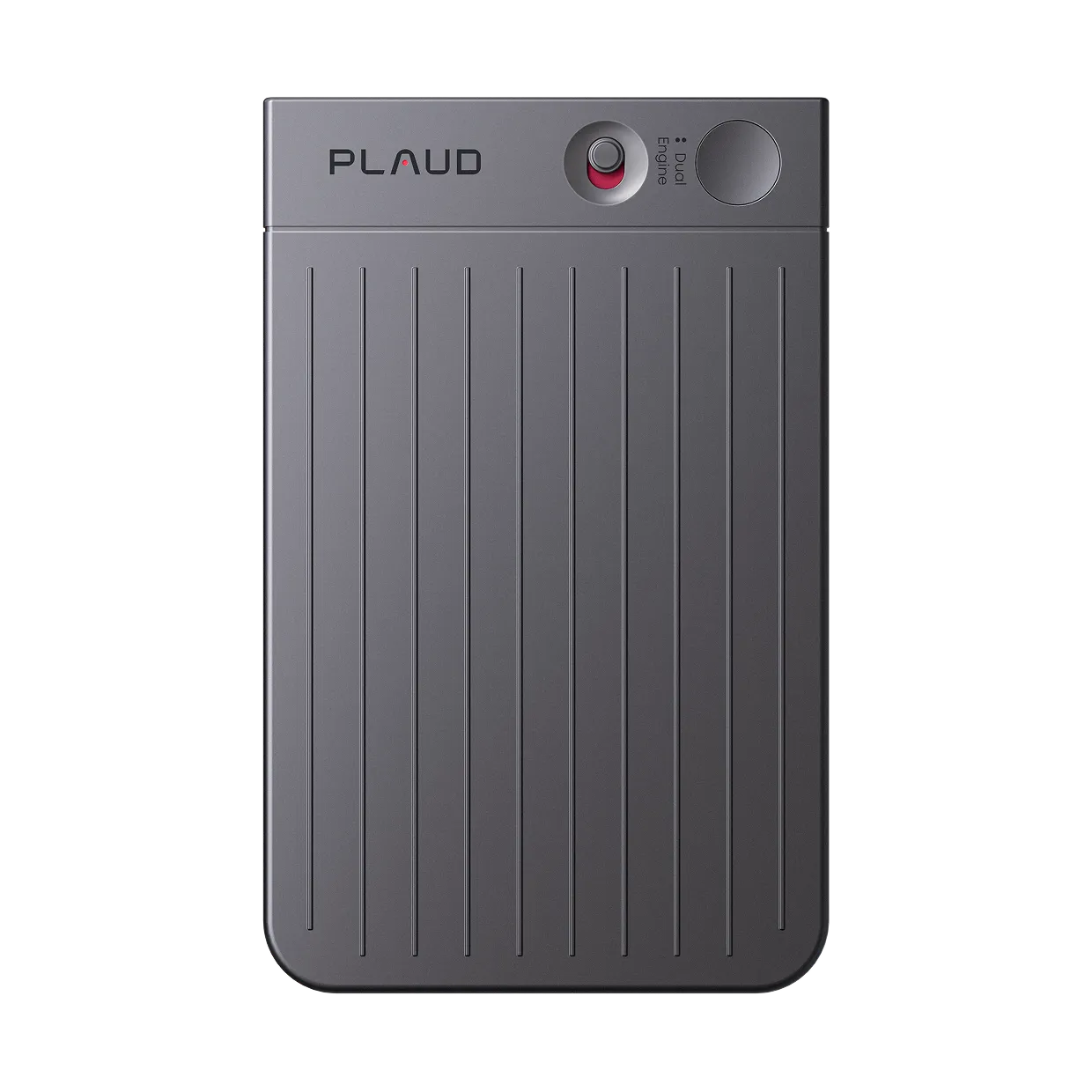
Clips to the interviewer's collar at 17.4 g. Runs hands-free up to 20 hours. Out of the subject's direct line of sight. Always record with consent.
Based on common interview recording methods and Plaud product data. Always confirm participant consent and follow local recording laws before recording any conversation.
Tips
A device the subject can see changes how they answer
Three factors determine whether the recording produces a usable verbatim record. Whether audio is captured close enough to the conversation for word-level clarity. Whether the device stays out of the subject's field of vision throughout the session. Whether the battery covers the full session without interruption.
The easier way
How Plaud NotePin S removes device management from the interview
Plaud NotePin S weighs 17.4 g and clips to a collar, lanyard, or wristband. It is small enough that the subject's attention stays on the conversation rather than on the device. It runs up to 20 hours on a single charge, covers the full session without battery risk, and Plaud Intelligence generates a transcription after the session without a separate upload. Always confirm the subject's consent before recording any interview.
- A phone on the table stays in the subject's peripheral vision throughout the interviewThe Plaud NotePin S clips to the interviewer's collar at 17.4 g, outside the subject's direct line of sight, so the conversation stays natural rather than guarded.
- Traditional recorders require holding or redirecting the micThe Plaud NotePin S runs hands-free for up to 20 hours. The interviewer focuses on the next question, not on battery status or mic position.
- A transcript that paraphrases is not a transcriptVerbatim accuracy is the requirement for published quotes or research analysis. Plaud Intelligence transcribes natural speech, including pauses and non-standard vocabulary, into a reviewable text the same day.

Plaud NotePin S
The world's most wearable physical AI note taker. Interview recording that stays out of the subject's line of sight. Hands-free, all day.
Plaud NotePin S vs Plaud Note Pro
Plaud NotePin S for in-person interviews where the wearable form minimizes observer effect. Plaud Note Pro for phone or mixed-format interview workflows where call capture is also needed.
Plaud NotePin S
Wearable clip recorder for natural in-person interviews.
- 17.4 g wearable
- Up to 20 hours recording
- 4 attachment options
- Plaud Intelligence transcription

Plaud Note Pro
Best for phone interviews, call recording, and mixed-format workflows.
- 4 MEMS mics, 5 m pickup
- Smart dual-mode
- Up to 30 hours recording
- 10,000+ note templates
Frequently asked questions
How to record an interview for transcription?
Use a device placed close to the conversation rather than across the table. A wearable recorder like Plaud NotePin S clips near the conversation and runs hands-free for the full session. Plaud Intelligence generates a transcription automatically after the interview.
What is the best device to record an interview?
For in-person interviews, a wearable clip recorder like Plaud NotePin S minimizes observer effect because it does not sit on the table or require handling. For phone or remote interviews, Plaud Note Pro captures call audio directly. Always confirm consent before recording.
Can you record an interview on your phone?
Yes. A phone works for short interviews in quiet environments. It is visually prominent and can be interrupted by notifications or battery drops. For longer or more sensitive interviews, a dedicated recorder with no notification interruptions gives more reliable capture.
How to record an interview without the device distracting the subject?
Use a wearable recorder that clips to clothing rather than placing a device on the table between you and the subject. Low profile does not mean covert: always inform the subject and confirm their consent before the session begins. Consent before recording is required by law in most jurisdictions.
Related articles
Related articles
Explore more guides on recording, transcription, and note-taking workflows.

How to Use an AI Note-Taker for In-Person Meetings
Learn how to use an AI note-taker for face-to-face meetings, from setup and consent to transcription, summaries, and searchable notes.
Read more
Wearable AI meeting note taker — automate your meeting notes
Learn how to use wearable AI note takers for transcription, meeting summaries, and structured notes.
Read more
How to turn meeting notes into action items
The problem with most meeting notes is the step after them. Here's how to convert documentation into attributed action items.
Read more
Cornell notes template: the smarter way to capture meetings
Learn how to use a Cornell notes template to capture client meetings, organize insights, and streamline your consulting workflow.
Read more