Lecture recording · How-to guide
How to record lectures and turn them into study notes
When a lecturer moves fast, writing and listening compete for the same attention, and the notes that survive are partial, out of context, or wrong. Recording the session removes that constraint. The notes come from the transcript after class, where there is time to organize the material rather than race to capture it.
 Best for lecture capture
Quick answer
4 steps from lecture audio to organized study notes
Audio quality at your position in the room is the single variable that determines whether the transcript is usable for study.
1. Position the mic at your seat, not at the front of the room
A device on a shared desk at the front of the lecture hall captures ambient noise from every direction at distance. Position the mic at your actual seat, where it captures the audio you are hearing.
2. Record continuously from the start of the lecture to the end
Do not pause to write notes or check references during the session. Gaps in the recording break the transcript at the points where the lecturer was making the most important connections.
3. Upload the recording after class and run a transcription pass
Most transcription tools process a recording and return a full text transcript in a short time. The transcript is the complete source material for every study format that follows.
4. Convert the transcript into structured study notes
Use an AI summary tool to break the transcript into topic sections, key definitions, and review questions. This is where the recording becomes material you can actually revise from.
Methods
Which setup turns lectures into usable study notes
Compared on mic placement at your listening position, battery coverage across a full day of classes, transcription accuracy for fast-talking lecturers, and whether structured study output is built in.
Phone on desk (Voice Memos)
Phone placed flat on the desk at your seat or at the front of the room.
Laptop built-in mic
Built-in laptop mic picks up keyboard noise and fan sound.
AI lecture app (online only)
Works for Zoom and Teams but not in-person lectures.
Wearable AI device (Plaud NotePin S)
Worn at collar height with up to 20 hours recording.
Based on common student recording scenarios and Plaud product data. Always check your institution's recording policy.
Tips
What makes a lecture recording usable for study
The recording is only as useful as the transcript, and the transcript is only as accurate as the audio.
The easier way
Plaud NotePin S. Lecture notes without the split attention.
Plaud NotePin S is a wearable AI note-taking device built for students who need a reliable record of every lecture.
- Cleaner audio signalClips near your collar and records from your seat throughout the session.
- 20-hour batteryRuns through an entire day of back-to-back lectures without recharging.
- Structured study notesOrganizes output into summaries with key definitions and topic sections.

Plaud NotePin S
The world's most wearable physical AI note taker.
Pick the Plaud for your study setup
NotePin S for in-person lectures and seminars where wearable capture keeps the mic close. Plaud Note for students who also record online classes, office hours calls, or tutorial sessions on their phone.
Plaud NotePin S
Wearable AI note-taking device for in-person lectures.
- 17.4 g wearable design
- Four wearing styles
- Up to 20 hours recording
- AI structured study notes

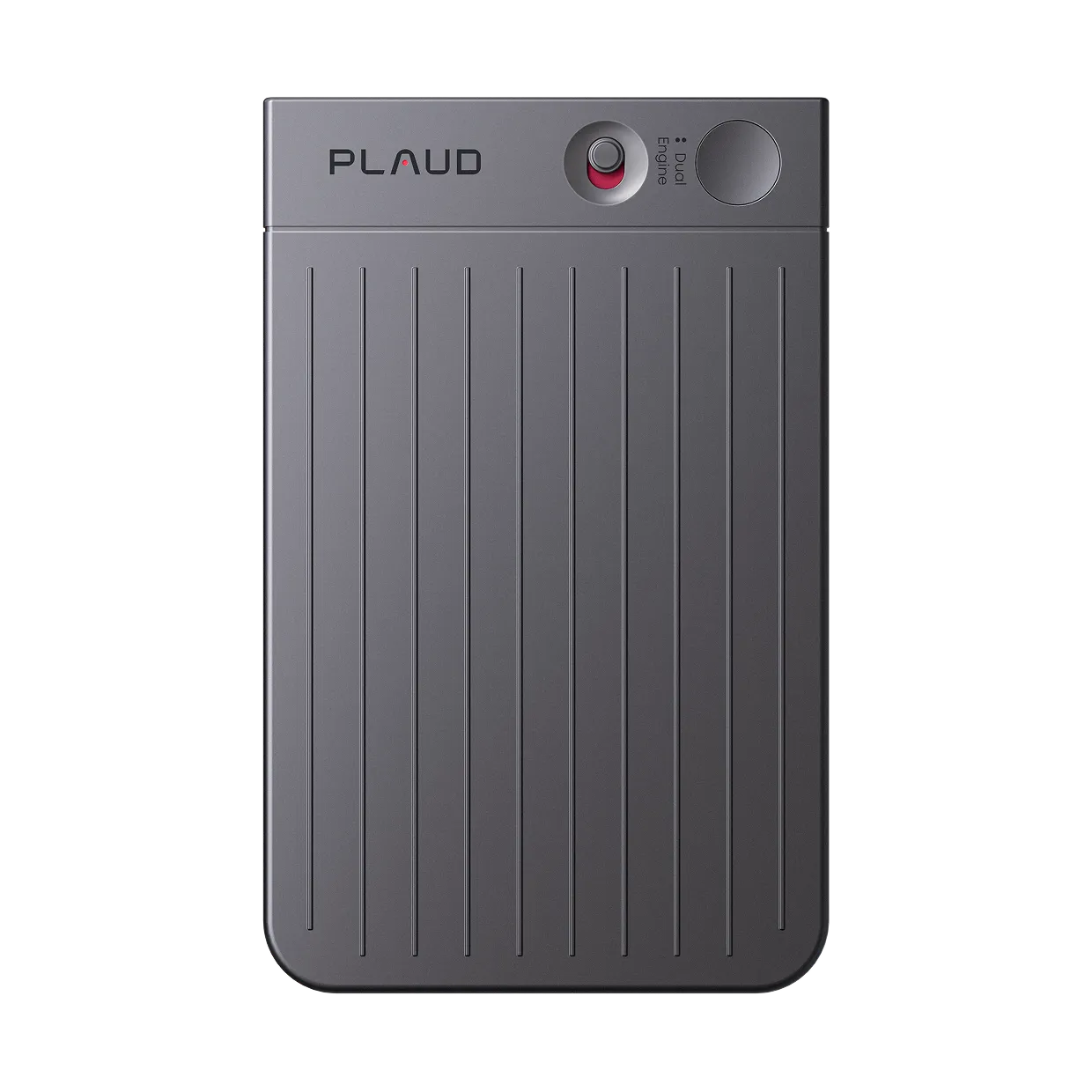
Plaud Note
Best for students who also record online lectures and calls.
- Dual-mode (phone call + in-person)
- Up to 20 hours recording
- Compact card design
- AI transcription
Frequently asked questions
What should I use to record my lectures?
A dedicated recorder worn close to your listening position produces better audio than a phone on a shared desk.
What is the best way to take notes in lectures?
Record the full lecture and take notes from the transcript after class rather than writing in real time.
Is it legal to record lectures?
Recording policies vary by institution and jurisdiction. Most universities require lecturer consent before a session is recorded.
How do I deal with background noise when recording lectures?
Background noise is primarily a mic placement problem. Moving the mic from a shared desk to a position close to your seat reduces ambient noise.
What AI tools convert lecture recordings to study notes?
Most AI transcription services, including Otter.ai and Plaud Intelligence, accept uploaded audio files and return a full text transcript.
Related articles
Related articles
Explore more guides on recording, note-taking, and AI study tools.

How to record lectures for clear audio and transcription
Learn how to record lectures with clear audio for accurate transcription using proper mic placement and wearable devices.
Read more
AI note-takers vs. students: Are AI notes actually useful for studying?
We tested Plaud on free U.S. YouTube lectures using student-made templates to see when AI notes become study material.
Read more
How to take effective notes in class?
Discover how to take notes in class that make studying easier and more effective.
Read more
How to record a phone call legally
Learn how to record phone calls legally with consent rules and reliable methods that work on any phone.
Read more