
AI meeting notes · How-to guide
How to take AI notes in face-to-face meetings
AI note-taking apps designed for Zoom or Teams join meetings as a bot participant. They need a call link to enter. A face-to-face meeting in a physical room has no call link. Most AI note-takers simply do not work there. A device that records and transcribes in-person audio handles the whole session: capture, transcription, and structured notes, without a video conference platform.
 Works without a call link
Quick answer
4 steps to AI notes from any face-to-face meeting
Most AI note-taking tools work as bots that join a video call. Face-to-face meetings have no call platform. The steps below cover getting AI notes from an in-person meeting using a physical recording device.
1. Inform all participants and confirm consent before recording
Let everyone in the meeting know you are recording. Confirm they agree before you start. Recording a person in a face-to-face meeting without their knowledge is not appropriate and may be illegal in your jurisdiction. Always obtain consent before pressing record.
2. Choose a physical device that captures in-person audio without requiring a call link
Apps that join a meeting as a bot need a Zoom or Teams call to enter. A face-to-face room has no call link. A dedicated recording device captures in-person audio directly and works in any physical space.
3. Position or wear the device before the meeting begins
Placement affects transcription accuracy. A device worn at collar or wrist level stays close to the speaker throughout the conversation. Clip or place the device before the meeting starts so there is no interruption when the discussion begins.
4. Sync and review the AI-generated notes after the meeting
Upload or sync the recording to the AI app. Review the structured output for decisions, action items, and follow-ups while context from the meeting is still fresh.
Methods
Most AI note-takers require a call link. Here is what works in a physical room.
Compared on whether the method works without a call link, how visible the device is during a 1-on-1, whether the setup is hands-free, and whether AI transcription is included.
AI meeting bot (Otter, Fireflies as call participant)
A bot joins the Zoom or Teams meeting and records the session. The bot needs an invitation link to enter. In a face-to-face room with no video call running, there is no link to send. The bot cannot enter a physical room.
Phone app on table
Records in-person audio through the phone microphone without a call link. The phone sits visibly on the table, which signals to the other person that recording is happening.
Laptop mic capture
Records in-person audio through the laptop microphone. No call link required. The laptop creates a physical and visual barrier in a face-to-face meeting.
Plaud NotePin S (wearable recorder)
Clips to a collar, attaches as a magnetic pin, wears as a wristband, or hangs on a lanyard. Worn close to the speaker, it captures up to 20 hours of in-person audio. Plaud Intelligence transcribes and produces structured notes after the session.
Based on publicly available information about the tools mentioned and Plaud product data. Always obtain consent from all participants before recording any meeting.
Tips
Why meeting bots fail in a physical room, and what to use instead
Bot-based AI note-takers work by joining a video call as a participant. They receive an invite link, enter the meeting room, and record the session through the call platform. That process depends on one thing: a call link. A face-to-face meeting in a physical room has no call link to send. The bot has no way to enter. Trying to use Otter or Fireflies in an in-person meeting requires opening a Zoom call on a device in the room just to give the bot access. A physical recording device with AI transcription avoids the workaround. It records in the room, processes the audio through AI after the session, and returns structured notes without a video call platform.
The easier way
How Plaud NotePin S takes AI notes in face-to-face meetings
Plaud NotePin S is a wearable AI note taker built for face-to-face meetings. At 17.4 g, it clips to a collar, wears as a wristband, hangs on a lanyard, or attaches as a magnetic pin. All four wearing styles are included. Worn close to the speaker, it records up to 20 hours of in-person audio. Plaud Intelligence transcribes the recording, separates speakers, and produces structured notes with decisions and action items. No call link required. No device sitting on the table.
- No call link requiredMost AI note-takers work by joining a Zoom or Teams call as a bot. Plaud NotePin S is a physical device. It records in-person audio directly in any face-to-face room.
- Low visibility in 1-on-1sA phone on the table signals that recording is happening. Plaud NotePin S weighs 17.4 g and is worn on the body without placing anything on the table between participants.
- Structured AI notesPlaud Intelligence processes the recording after the session and returns structured notes: a summary, action items, and key decisions.

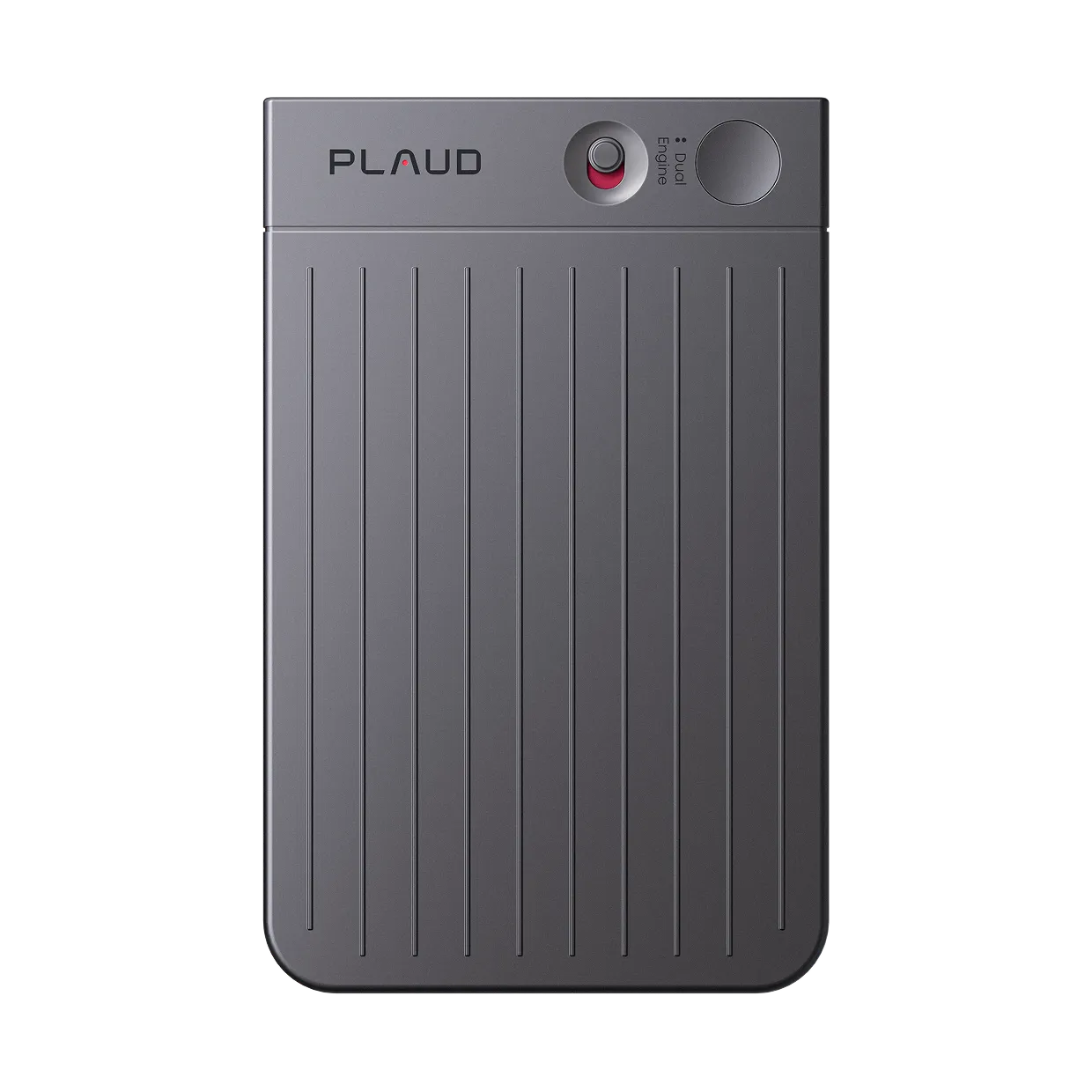
Plaud NotePin S
A wearable AI note taker for face-to-face meetings. No call link required. Worn on the body, not placed on the table.
Plaud NotePin S vs Plaud Note Pro
Plaud NotePin S for face-to-face 1-on-1s and small group meetings where a wearable device stays close to the primary voice and avoids placing anything on the table. Plaud Note Pro for conference table meetings where 4 MEMS mics and a 5-meter pickup range cover multiple speakers across a larger room.
Plaud NotePin S
Wearable AI note taker for in-person meetings.
- 17.4 g wearable
- Four wearing styles included
- Up to 20 hours recording
- Plaud Intelligence AI notes

Plaud Note Pro
Better for conference table meetings with multiple speakers where 4 MEMS mics and AI beamforming cover a 5-meter range. Also records phone calls.
- 4 MEMS mics
- 5 m pickup range
- AI beamforming
- Up to 30 hours recording
FAQ
Is there a free AI to take notes during meetings?
For online meetings on Zoom or Teams, Otter.ai and Fireflies offer free tiers with limited monthly minutes. For face-to-face meetings where no call platform is running, a physical recorder with AI transcription handles the session. Most free AI note-taking apps are bot-only and do not work in a physical room without a video call.
How to take notes effectively in meetings?
Record the full meeting and review the AI transcript after rather than writing in real time. Trying to type while listening splits attention and causes missed content. A recording lets you stay present in the conversation. Review structured notes for decisions and action items immediately after the session while context is fresh.
Do I need to tell people I am recording a face-to-face meeting?
Yes. Inform all participants and confirm consent before the meeting starts. Recording a person without their knowledge is not appropriate and may be illegal in your jurisdiction. This applies to wearable devices as well as phones and laptops used for recording.
Do AI note-takers work without a Zoom or Teams call?
Most AI note-taking apps work by joining a video call as a bot participant. They require a call link to enter and do not work in a face-to-face room with no video conference running. A dedicated physical recording device such as Plaud NotePin S records in-person audio directly and works in any room without a call platform.
Related articles

Wearable AI meeting note taker
Learn how wearable AI note takers handle transcription and structured notes hands-free in face-to-face settings.
Read more
How to take meeting notes
Writing notes and listening at the same time splits attention. Here is how to capture complete notes without the split.
Read more
How to write meeting minutes faster with AI
Meeting minutes take time. Here is how to generate a usable draft from a recording.
Read more
How to take notes in long meetings
Long meetings produce more content than any note-taker can capture manually. Here is how to handle them.
Read more