
Meeting notes · How-to guide
How to take notes during a meeting
Writing notes during a meeting and following the conversation draw on the same limited attention. Something gets missed. Recording the session and reviewing the AI-generated notes afterward changes what the process requires: you listen fully, then clean up structured output after.
 Best for complete meeting records
Quick answer
4 steps to complete meeting notes you can share
The same three-phase approach applies whether you write notes manually or use an AI tool: prepare before, capture during, and organize and share after.
1. Prepare a template before the meeting
Set up sections for the date, attendees, agenda items, decisions, and action items. Reading the agenda beforehand tells you which topics to focus on.
2. During the meeting: capture decisions and action items
Note who is doing what and by when. Record the reasoning behind decisions. Use AI tools like a physical recorder for automatic transcription.
3. Note important questions and flag anything unclear
Questions raised and their answers provide context. Mark unclear items with a question mark rather than paraphrasing from memory.
4. Organize and send notes within 5–10 minutes
Convert rough notes into a readable record while context is fresh. Send to all participants promptly.
Methods
Which method keeps note quality and meeting participation intact
Compared on how much active attention the method requires during the meeting, how complete the record is, whether output is structured on arrival, and how long before notes are ready to share.
Manual note-taking by hand
Write notes while listening. Writing speed and listening compete. The faster the discussion, the more falls through.
Laptop or tablet notes in Notion
Digital notes are faster but typing during the meeting still divides focus. Verbal nuances not captured in writing are lost.
Zoom AI companion or meeting bot
Joins the call and auto-transcribes. Does not capture in-person sessions or phone calls.
AI recorder (Plaud Note Pro)
Records the full session. Plaud Intelligence generates structured notes with speaker attribution after the meeting. Always record with participant consent.
Based on common meeting workflows and Plaud product data. Always follow your organization's recording policy and local consent rules before recording any session.
Tips
The notes people act on weren't written during the meeting
Writing notes and listening to a conversation at the same time draws on the same limited attention. The faster the discussion moves, the more detail gets missed. That missed detail is often what determines follow-up: the precise words in a commitment, the name behind an action item, the reasoning for a decision made quickly. A transcript captures what was said rather than what a distracted writer managed to record. Structured output separates the content so the first person who reads the notes can act without sorting them first.
The easier way
How Plaud Note Pro frees you from writing during meetings
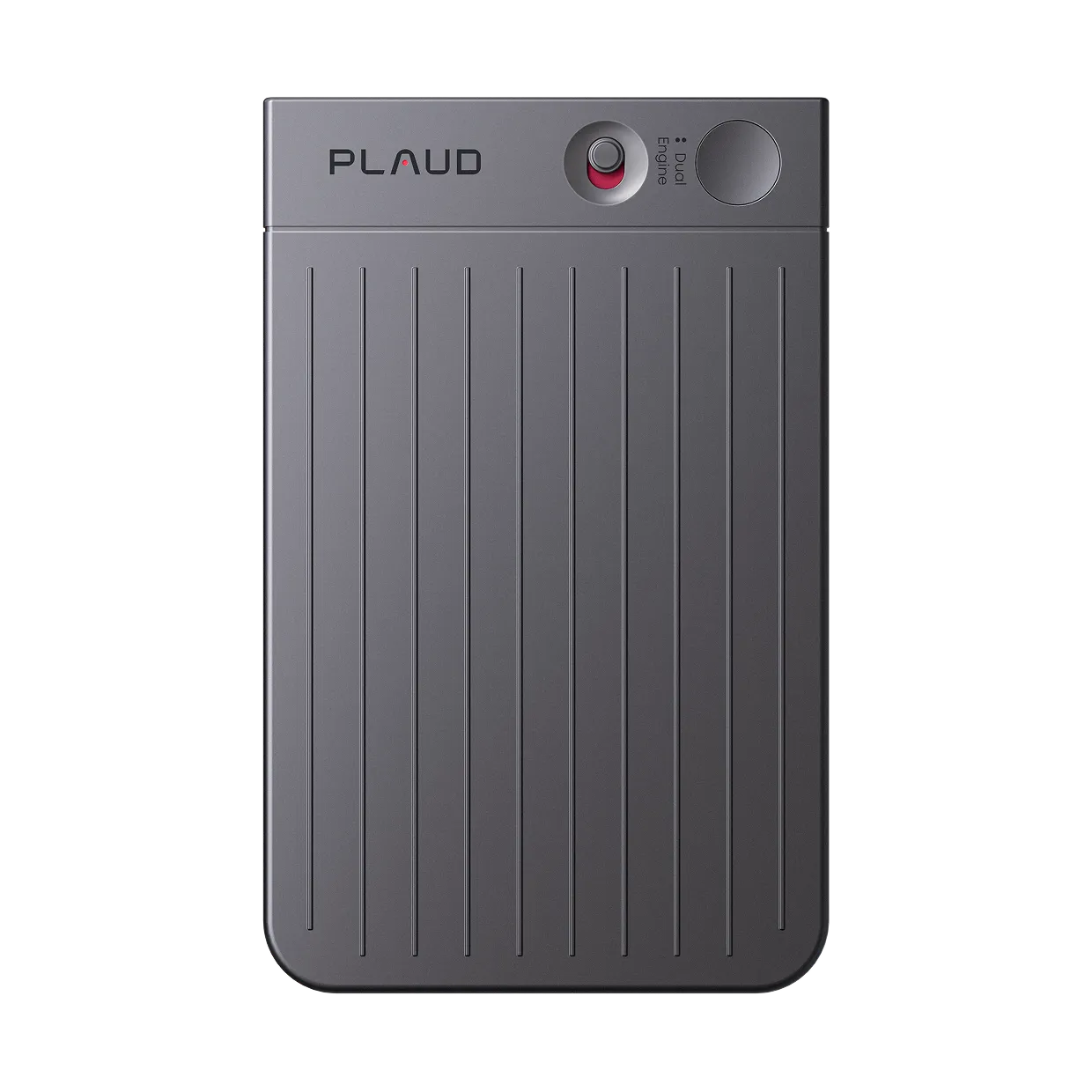
Plaud Note Pro records the meeting so you participate without dividing attention between listening and note-taking. Plaud Intelligence generates structured notes after the session, with decisions, action items, and open questions already separated. Smart dual-mode auto-detection means the same device covers in-person meetings and phone calls. Always confirm participant consent before recording.
- Full session recordingTaking notes manually during a meeting means writing while listening. Attention is divided and both suffer. Plaud Note Pro records the full session so you can participate without a pen in hand. The structured notes come after the meeting, not during it.
- Structured outputNotes that mix decisions, action items, and general discussion require a sorting pass before anyone can act on them. Plaud Intelligence uses 10,000+ meeting templates to separate each content type. The output arrives already organized.
- Smart dual-modeZoom AI companions and meeting bots join video calls but cannot capture an in-person session or a phone call. Plaud Note Pro's smart dual-mode auto-detects the session type. The same device covers the conference room and the call.

Plaud Note Pro
The world's most advanced physical AI note taker. Full meeting notes from audio. No writing required.
Plaud Note Pro vs Plaud NotePin S
Plaud Note Pro for meetings that include phone calls and multi-speaker setups. Plaud NotePin S for wearable capture in in-person-only settings.
Plaud Note Pro
Full meeting notes from audio. No writing required.
- 4 MEMS mics, 5 m pickup
- Smart dual-mode
- Up to 30 hours recording

Plaud NotePin S
Best for wearable, hands-free capture in face-to-face meetings.
- 17.4 g wearable design
- Up to 20 hours recording
- Multiple wear options included
FAQ
How to take AI notes during a meeting?
For video calls, AI bots generate automatic transcripts. For in-person or phone sessions, a physical AI recorder captures audio and generates structured notes after.
How to effectively take notes during a meeting?
Prepare a template before the meeting. Focus on decisions, action items, and open questions. Review notes within 30 minutes while context is fresh.
Can ChatGPT take notes during a meeting?
ChatGPT does not join meetings. Paste a transcript into ChatGPT to extract action items after obtaining a recording from another tool.
What is the best way to take notes without missing anything?
Record the meeting and generate notes from the transcript after it ends. A post-meeting transcript captures everything spoken.
Related articles
Related articles
Explore more guides on meeting productivity and AI note-taking.

How to turn meeting notes into action items
The problem with most meeting notes is not the notes. It is the step after. Here's how to convert documentation into attributed action items.
Read more
How to write meeting minutes faster with AI
Learn how to write meeting minutes faster with AI. Record hands-free then let AI transcribe, summarize and structure your notes.
Read more
Wearable AI meeting note taker — automate your meeting notes
Learn how to use wearable AI note takers for transcription, meeting summaries, and structured notes.
Read more
Cornell notes template: the smarter way to capture meetings
Learn how to use a Cornell notes template to capture client meetings, organize insights, and streamline your consulting workflow.
Read more