
Long meeting notes · How-to guide
How to take notes in long meetings
The reason long-meeting notes fail is not typing speed. It is the cognitive split between listening and documenting at the same time. When you are writing, you are not fully in the meeting. When you are back in the meeting, you have stopped writing. Recording the session removes that split: you participate in the meeting, the AI handles the record.
 Best for all-day sessions
Quick answer
4 steps to long-meeting notes that cover everything
Set up once before the meeting starts. The rest happens after.
1. Record the meeting instead of taking notes in real time
Place a recorder on the table or let it run in the room. Your job in the meeting shifts from stenographer to participant.
2. Capture only immediate action items in real time
If something requires your action before the next step, note it. Everything else is in the recording.
3. Let AI transcription generate the full record after
Upload the recording after the meeting. A transcription tool with meeting templates produces a structured output with decisions, action items, and open questions separated.
4. One review pass to confirm owners and deadlines, then share
The AI draft needs a review, not a full rewrite. Confirm attribution and send to the team.
Methods
Which approach keeps you present and captures everything
Compared on attention cost during the meeting, completeness of the record, whether the output arrives already structured, and time to a shareable document.
Transcribe everything live
Write continuously throughout. Attention is split between listening and typing, and falls behind in fast discussions.
Shorthand labels
Use fast abbreviations to mark decisions and action items. Reduces writing but still requires active tracking.
Record + manual listen-back
Record the session and take notes while replaying it. Doubles the time cost of a long meeting.
Record with AI (Plaud Note Pro)
Record the session. AI produces structured output after. Attend the meeting fully and review the draft afterward.
Based on common meeting scenarios and Plaud product data. Always follow your organization's recording policy and local consent rules.
Tips
What long-meeting notes need to be worth using
Long-meeting notes fail for four specific reasons, and none of them are about being bad at note-taking. The task is structurally incompatible with full participation.
The easier way
Plaud Note Pro. Attend the meeting, review the notes after.
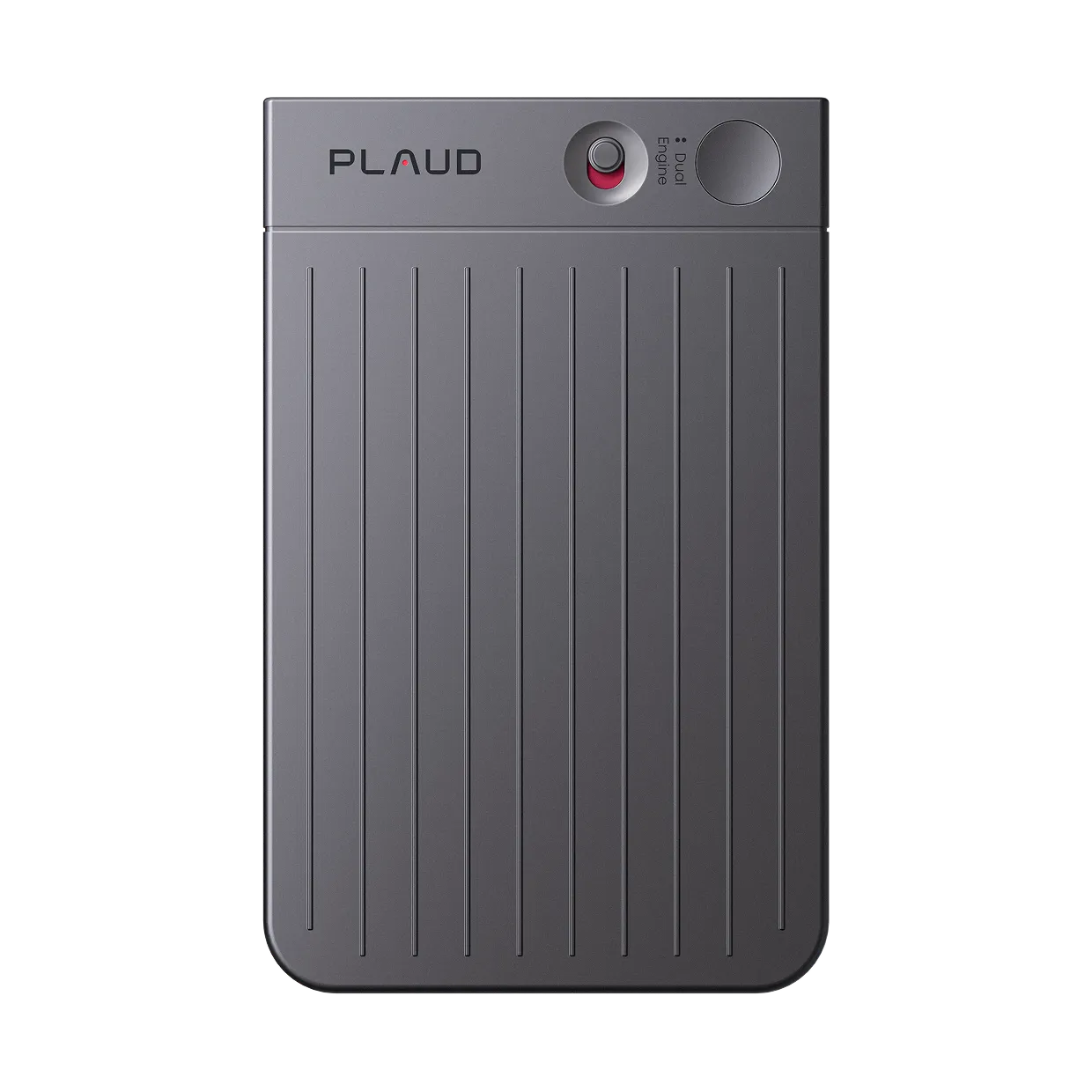
Plaud Note Pro is a physical AI note taker that records phone calls and in-person meetings for up to 30 hours without requiring a note-taker to split attention between listening and writing. After the session, Plaud Intelligence produces a structured transcript with decisions, action items, and open questions ready to review in a fraction of the meeting length.
- 30-hour continuous recordingEnough for all-day sessions, board meetings, and multi-session workshops without recharging.
- 4 MEMS mics with AI beamformingCapture all speakers at up to 5 meters, with no repositioning needed during the meeting.
- 10,000+ meeting templatesProduce sorted output with decisions, action items, and open questions already separated.

Plaud Note Pro
The world's most advanced physical AI note taker. Thirty-hour recording, structured output, no note-taker required during the session.
Pick the Plaud for your meeting setup
Note Pro for conference rooms, phone calls, and sessions where the recorder stays on a table. NotePin S for wearable capture when the note-taker moves around or attends in-person-only settings.
Plaud Note Pro
Best for conference rooms, phone calls, and fixed-table sessions.
- 4 MEMS mics, 5 m pickup
- Smart dual-mode (calls + in-person)
- Up to 30 hours recording
- Structured output with 10,000+ templates

Plaud NotePin S
Best for wearable, hands-free capture in face-to-face meetings.
- 17.4 g wearable design
- Up to 20 hours recording
- Lanyard, wristband, clip, magnetic pin included
Frequently asked questions
Is there a free AI to take notes during meetings?
Several tools offer free tiers: Otter.ai (limited minutes per month), Fathom (free for Zoom), and Google Meet's built-in transcription for Workspace accounts. Most free tiers have usage caps and work only with specific platforms. For in-person or cross-platform coverage, a paid plan or dedicated hardware is typically required.
How to take notes effectively in meetings?
The most effective approach for long meetings is to record the session and focus on listening rather than writing in real time. During the meeting, note only the items that require immediate action. After the meeting, review the AI transcript to build the complete record. This produces more accurate notes with less effort than writing live.
How do you keep up with notes when a meeting moves faster than you can type?
You cannot keep up by typing faster. In a fast discussion, writing and listening compete for the same cognitive resource. The standard workaround is to record the meeting, capture only the most urgent items in real time, and build the full record from the transcript afterward.
What is the best format for first-time meeting minute-takers?
The simplest reliable format uses three sections: decisions, action items (with owner and deadline), and open questions. Open a template with those three headings before the meeting starts. During the meeting, add one-line entries under the right section as they occur. Everything else is captured in the recording.