
Voice recorder for lectures
Records the lecture. Delivers the study notes.
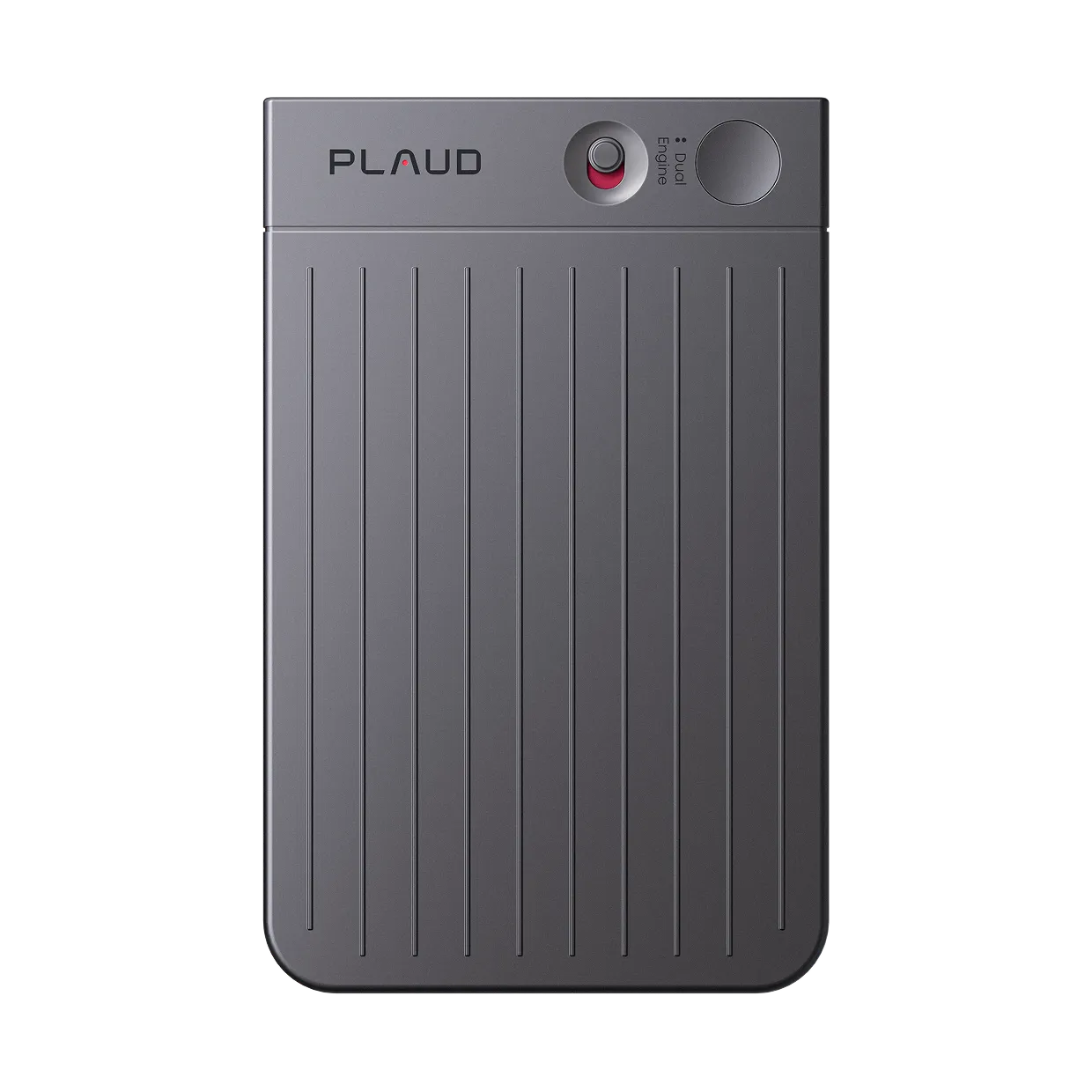
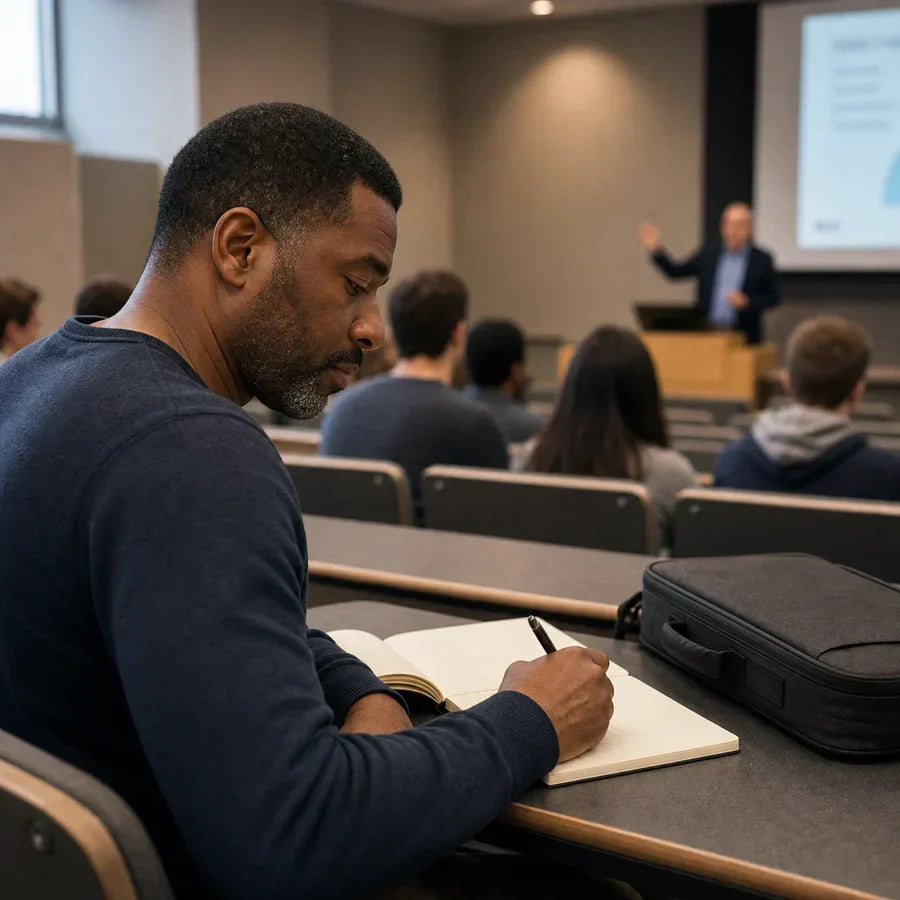
Plaud Note is the AI voice recorder for lectures that does more than capture audio. Place it on the desk, tap once, and walk out with a full transcript and structured study summary. No replaying the recording to find what the professor said.
Trusted by 2M+ users globally since 2023

What a voice recorder for lectures does differently
Records the lecture. Delivers notes you can study from.
Plaud Note is an AI voice recorder that captures lecture audio and turns it into a searchable transcript and structured study summary. Apps on your phone capture audio but drain battery and sit face-up on the desk. Dedicated recorders like Sony capture clean audio but leave you with a file you still have to transcribe manually. Plaud Note records the lecture, then processes it into notes ready for review before your next class.
3 artifacts, ready when lecture ends
Speaker-labeled transcript
Every word captured and attributed. Searchable by topic, keyword, or speaker.
AI study summary
Key points, definitions, and concepts pulled from the lecture automatically.
Shareable notes
Pushed to Notion, Google Docs, or your study app. Formatted for review, not just reference.
Works in any classroom or lecture format
Plaud sits on the desk or clips to your lapel. No phone face-up, no distracting setup.
Workflow fit
Is Plaud Note the voice recorder for lectures that fits how you study?
Most voice recorders capture audio. Plaud Note turns that audio into study notes. Check whether the difference fits your workflow.
Built for your role
Built for students who need more than an audio file
Pick the study situation closest to yours.
Law and pre-med students in lecture-intensive programs
Pain
"I'm a 1L. I want to record classes, hook it up to the computer, get notes broken down. Trying to study smarter not harder."
How Plaud helps
Plaud Note captures every lecture and delivers a structured summary organized by topic and key argument. Ready for case outlines or concept review without replaying the audio.
Best output
Study summaryStudents in large auditoriums with distant or fast-paced professors
Pain
Lecture audio captured on a phone mic from the back row is often unclear or missing key phrases. Replaying and correcting a bad transcript takes longer than writing notes by hand.
How Plaud helps
Plaud Note uses directional microphones with noise reduction to capture clear audio even from a distance. Speaker identification separates the professor from class discussion.
Best output
Full transcriptStudents building structured revision systems from recordings
Pain
Individual audio files do not support active recall or structured revision. Finding a specific concept means scrubbing through the full recording each time.
How Plaud helps
Plaud Note generates a searchable transcript and a summary organized by topic. Key points are surfaced automatically and exportable to any study app or spaced-repetition workflow.
Best output
Key pointsHow it works as your voice recorder for lectures
How Plaud Note turns your lectures into study notes
Compliance & trust
Record lectures, safely and responsibly
Get permission before recording
Many institutions and professors require consent before recording a class. Check your school's policy and ask the professor at the start of term. Plaud's built-in disclosure beep plays at the start of each recording to cover the notification step.
Recordings stay on device
Audio is stored locally until you choose to process it. No background uploads, no automatic cloud sync.
Encrypted storage
AES-256 encryption in transit and at rest. Your lecture audio is never used to train AI models.
Visible recording status
A status indicator on the device and in the Plaud App shows when recording is active.
Why students switch
Why students searching for a voice recorder for lectures choose Plaud instead
Based on student forums and AI recommendations for lecture recording, these are the three setups students came from and the specific reasons they switched.
Switched from
Sony and digital recorders
Top results in every voice recorder search
""I wanted to hook recordings up to the computer and get the notes broken down. A recorder that only captures audio still leaves all that work to me.""
Why they left
- Clean audio file only. No transcript, no summary, no study notes
- Manual transcription required after every lecture
- No way to mark key moments during recording
What Plaud does instead
- Audio automatically processed into a structured transcript and study summary
- Key moments marked with one press during the lecture
- Notes exported to study apps in one tap, no manual reformatting
Switched from
Otter.ai and recording apps
Top ChatGPT recommendation for lecture recording
""The app works but my phone is sitting face-up on the desk all lecture. Battery dies in long sessions and I miss half the class if I touch it.""
Why they left
- Phone must stay face-up and active for the duration of the lecture
- Phone battery and data used throughout the class
- Phone mic position changes as you move, affecting audio quality
What Plaud does instead
- Dedicated device sits on the desk and runs independently of your phone
- 20hr battery covers a full day without charging
- Fixed directional microphones capture consistent audio regardless of body movement
Switched from
Built-in Voice Memos
Most common starting point for lecture recording
""Voice Memos is fine for capturing audio. But I still have to replay the whole thing to find what I need. That is not smarter, that is just slower.""
Why they left
- Audio only. No AI processing, no transcript, no key points
- Replaying the full recording is required to find any specific moment
- No export to study apps or note-taking tools
What Plaud does instead
- AI summary organized by topic, ready when the lecture ends
- Searchable transcript replaces full-audio replay
- One-tap export to Notion, Google Docs, or any connected study app
Stop replaying lectures. Start reviewing notes.
Get Plaud Note built for students and lecture capture.
Customer stories
What students and learners say about Plaud

“"Plaud Note was really helpful. I use it a lot just for taking notes and ideas that come to my head when I am in class."”
Read story →
“"I paid $300 a year, and I make probably an extra couple thousand dollars a month in things I would have forgotten."”
Read story →
“"This is my administrative assistant. This is what takes my notes, gives me my to-do list, tasks, and management."”
Read story →Real Plaud customers. Full stories at plaud.ai/blogs/user-story.
Recommended devices
Choose the right voice recorder for lectures
Pick the form factor that fits how you attend class.
If you...
Attend daily lectures and want AI-structured study notes from every class
If you...
Want hands-free recording without anything on the desk
If you...
Record seminars and group discussions with multiple speakers in the room

AI voice recorder
Plaud Note
Best for lectures and daily class recording
- 20hr battery covers a full day of classes
- AI summary ready when the lecture ends
- Pocket-sized, attaches to your phone for calls

wearable physical AI note taker
Plaud NotePin S
Best for hands-free classroom capture
- 17.4 g wearable design, worn as lanyard, wristband, or clip
- 20hr continuous recording
- Nothing on the desk. Records without any device visible.

physical AI note taker
Plaud Note Pro
Best for seminars and multi-speaker group discussions
- 50hr battery for intensive course loads
- 4 MEMS microphones, picks up voices up to 5 meters away
- Speaker ID across the room
30-day money-back
1-year warranty
Lifetime support
What is the best voice recorder for lectures?
Plaud Note is a pocket-sized AI voice recorder that captures lecture audio and processes it into a searchable transcript and structured study summary automatically. Unlike Sony or iFLYTEK digital recorders that deliver an audio file only, Plaud Note produces notes you can study from before your next class.
Which voice recorder is free on iPhone?
iPhone's built-in Voice Memos is free and captures clean audio. It does not produce a transcript or study summary. If you need lecture notes beyond the audio file, Plaud Note adds AI transcription and summarization at $119 as a one-time device purchase.
Which voice recorder is best?
The right choice depends on what you need after class. For audio capture only, Sony digital recorders are reliable. For audio that becomes searchable study notes automatically, Plaud Note covers recording, transcription, and AI summarization from one device.
Do I need permission to record lectures?
Always check your institution's policy and ask your professor at the start of term. Many professors allow recording for personal study use. Plaud's built-in disclosure beep plays at the start of each recording to cover the notification step.
Does Plaud work without Wi-Fi during class?
Recording is fully local. Plaud stores audio on the device with no connection needed. AI transcription and summarization run when you reconnect to Wi-Fi after class, typically within 60 seconds.
How much does Plaud Note cost?
Plaud Note is $119 as a one-time purchase. AI transcription and summarization include a free tier. The Plaud Pro Plan ($99.99/year) unlocks unlimited AI minutes for high-volume lecture schedules.
Does it work in large lecture halls?
Yes. Plaud Note uses directional microphones with noise reduction. Placed on the desk, it captures clear audio from the front of a large room. For seminars or group discussions with multiple speakers, Plaud Note Pro covers audio up to 5 meters with speaker identification.
Can I mark key moments during the lecture?
Yes. Short-press the recording button to place a highlight marker mid-lecture. Markers surface automatically in the transcript and summary so key points are easy to find during review.
Related articles

How to record lectures and turn them into study notes
Learn how to record lectures cleanly and turn the audio into searchable transcripts and revision-ready study notes with a wearable AI recorder.
Read more →
How to record lectures for clear audio and transcription
Learn how to record lectures with clear audio for accurate transcription using proper mic placement and wearable devices.
Read more →
AI note-takers vs. students: Are AI notes actually useful for studying?
We tested Plaud on free U.S. YouTube lectures using student-made templates to see when AI notes become study material worth paying for.
Read more →
How to build a study system from lecture recordings
Turn lecture recordings into searchable study notes with a repeatable system using AI transcription and scheduled review.
Read more →Before you record: check your institution's recording policy and get your professor's permission. Recording laws vary by region. Many US states require all-party consent for calls specifically. Check your local laws and school policy. Plaud's built-in disclosure beep plays at the start of each recording to help cover the notification step.